A target list in an evening, not a week
Instead of searching catalogues by hand, you set a topic and get a set of channels and chats you can already work with.
Collect a list of channels, chats or people on your topic in one pass, then send it with one button to the module that will work with it. Below: which parser to use, how not to drown in junk and where to get a ready base if there is no time to collect.
In short
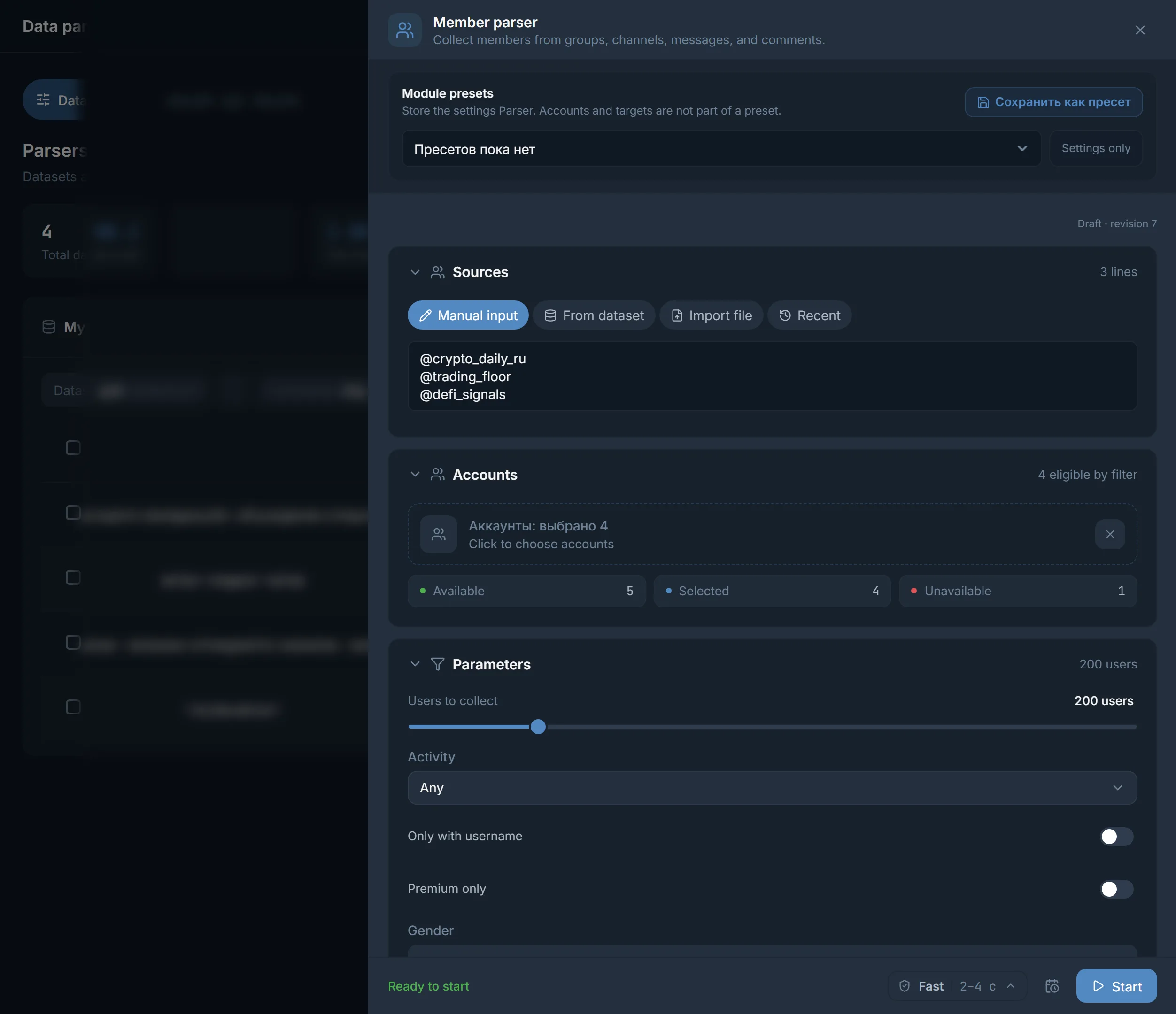
Telegram parsing is collecting channels, chats, their members or messages into a list that modules then work with. TeleTraff has four parsers: Channels, Chats, Members and Messages. Channels and chats are found by keywords, from samples or both at once. What you collect is stored in My datasets, and the Use button sends a dataset to a module with no file export.
TeleTraff editorial teamUpdated: Checked in the panel
Instead of searching catalogues by hand, you set a topic and get a set of channels and chats you can already work with.
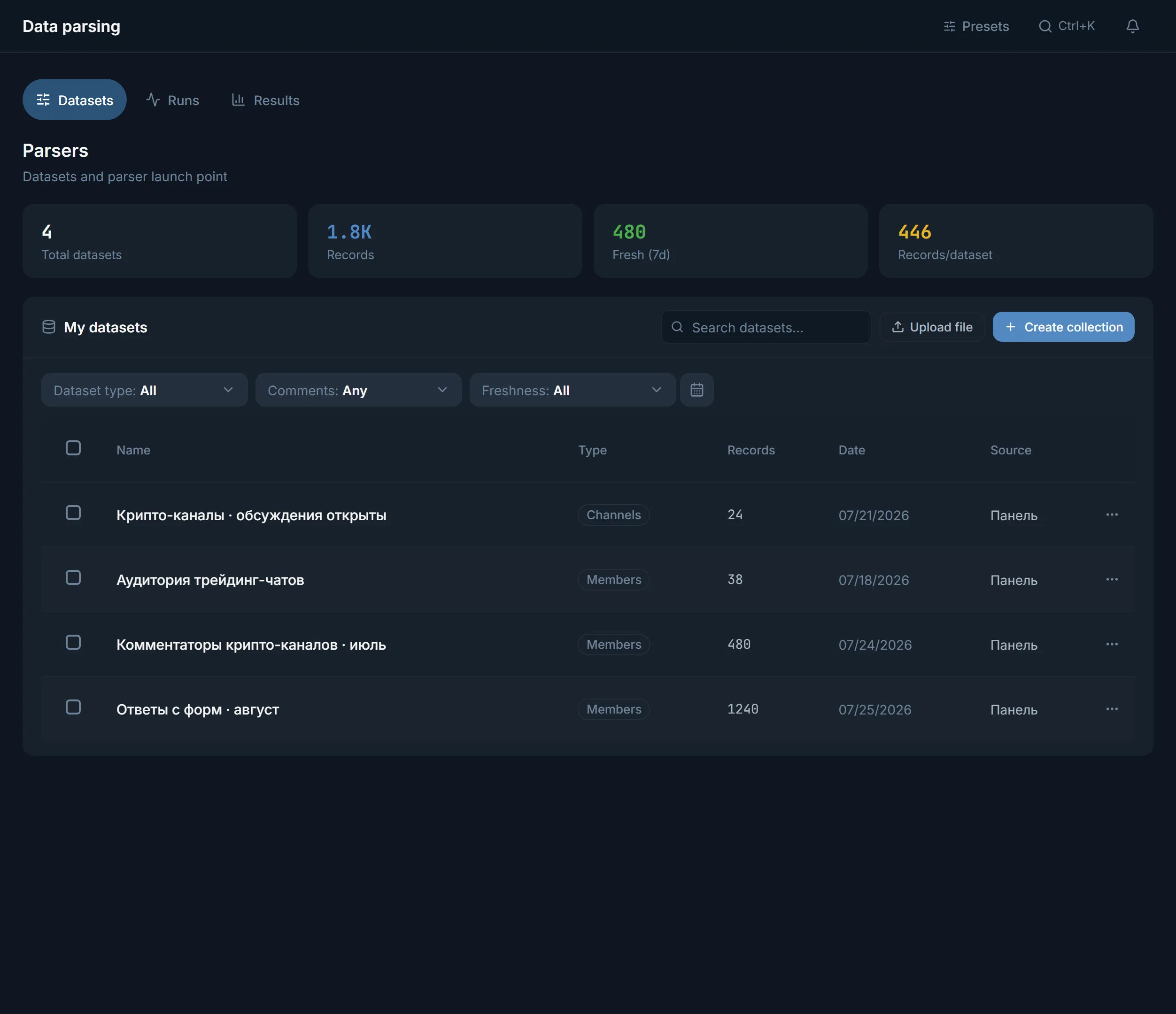
Everything you collect stays in My datasets. Open a set a month later and it is still there.
Use offers the modules that can work with this type of dataset. Nothing to download and upload again.
There are four parsers, and each answers its own question. Each one is covered in detail in the parsers guide.
The channel and chat parsers have a Collection mode. Here is how the modes differ.
| Mode | What it starts from | When to use it |
|---|---|---|
| Search | The keywords you entered | You know how the niche talks and want the obvious targets |
| Similar | Samples: @usernames or t.me links, or a saved dataset | You already have a couple of good channels and need neighbours |
| Deep | Search and similar together | You need wide reach and can wait longer |
A list is easiest to build from narrow to wide.
Not "crypto" but "futures signals" or "altcoin analysis". Narrow words bring less junk.
Take a couple of channels that are definitely yours and run the Similar mode from them.
Comments need channels with open comments. Look through the results and remove dead channels and foreign languages.
The saved set opens in My datasets. The Use button opens the Use dataset in a module window with the modules for this type of dataset.
The module depends on what you collected. The Use dataset in a module window offers the right ones by itself.
| Dataset type | Where it can be sent |
|---|---|
| Channels | AI commenting, mass reactions, warmup, reporter |
| Chats | AI commenting, mass reactions, warmup, reporter, Neurochat |
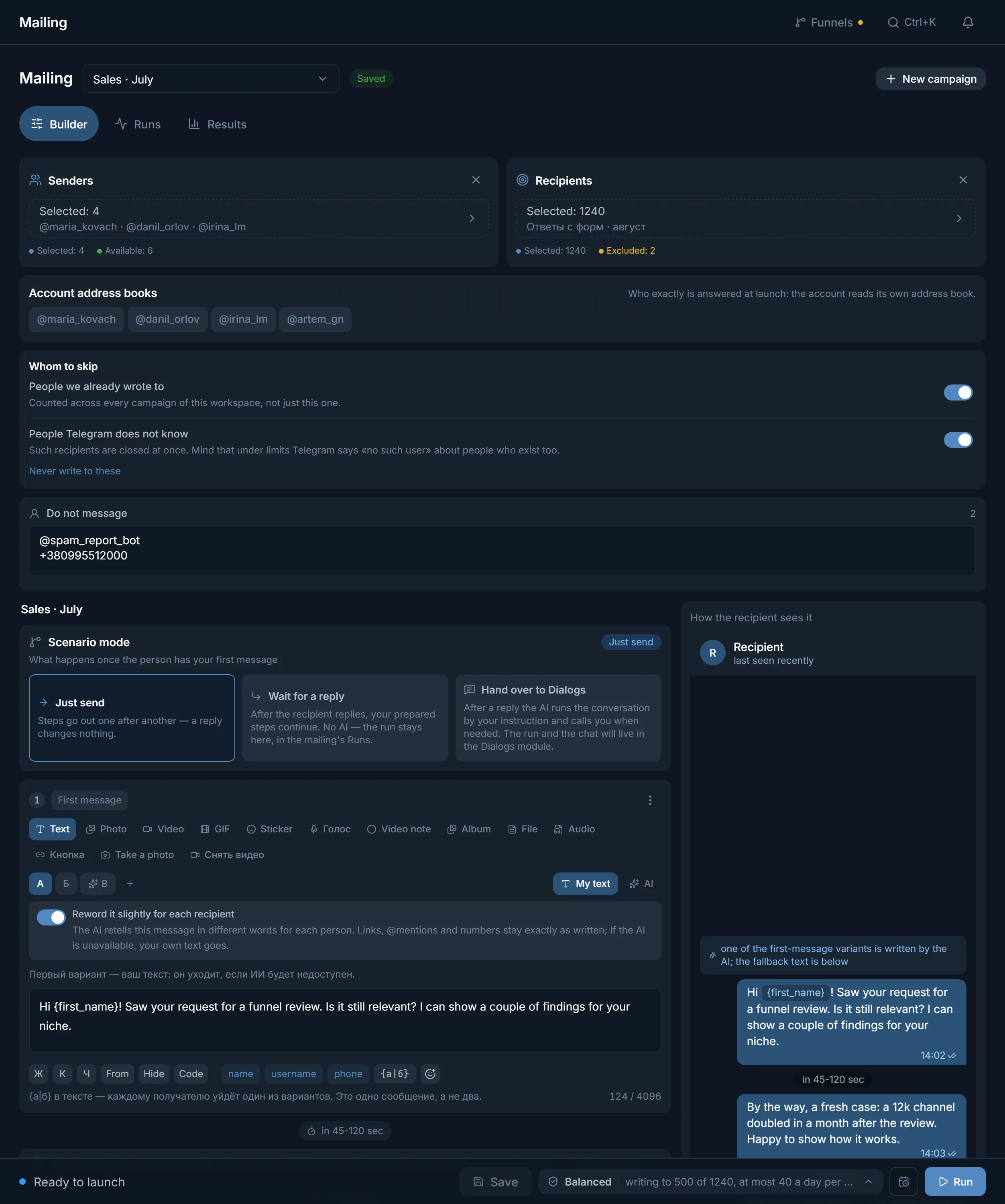
| Members | Mailing, inviter, masslooking, reporter |
| Messages | Export only |
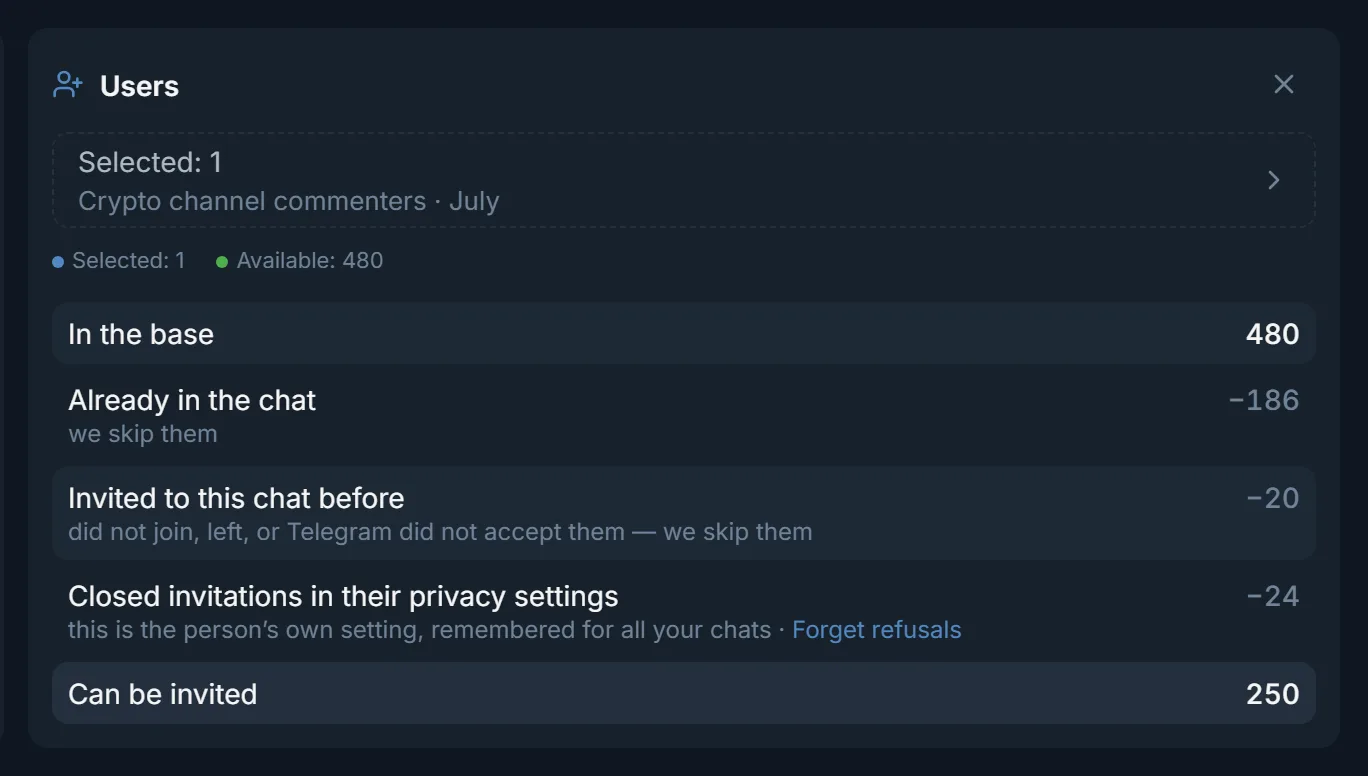
A parser is only as useful as how fast its dataset reaches a module. Here is what that looks like on screen.
Open the open base of channels and chats. It holds about 2.8 million channels and chats sorted into sections. Sections, counters and the first 20 sources of each section are visible without sign-up.
After a free sign-up you get the full list with filters by ER, comments and activity, sets for modules and export. Per month you can export 5,000 rows free and on Starter, 25,000 on Pro and 100,000 on Ultimate.
A common way to work: take a section of the base as a starting point and collect what is missing with a parser.
A search by a broad word brings everything: dead channels, foreign languages, targets without comments. Send such a list straight into AI commenting and the accounts will spend time on empty places. Look through the results, remove the extra and only then press Use.
Terms on this page
Search goes by the keywords you entered. Similar starts from samples: @usernames, t.me links or a saved dataset. Deep does both, so it is wider and slower.
Yes. Collect members, open the dataset in My datasets, click Use and choose the inviter. With Continue the dataset using previous run results on, it skips people already invited and known refusals.
Export it. It collects contacts from conversations: phone numbers, @usernames, invite links, e-mails, links and wallets. Such a dataset does not go into modules.
The base covers popular niches. A narrow topic, fresh channels or the members of a specific chat still have to be collected with a parser.
Per month: 5,000 rows free and on Starter, 25,000 on Pro and 100,000 on Ultimate.
No. The panel runs in a browser on a computer and on a phone.
Read next
Other sections
Start with the trial: 3 days with no card, every module including parsers. The clock starts with the first account you add.