You are seen where people already read
A comment under a fresh post of a similar channel is seen by its subscribers. That is your audience, just someone else's for now.
To grow a Telegram channel, go where your audience already talks: under posts of similar channels, into topic chats, into private messages. The channel is set up but has no subscribers? Start with one method and see how people respond.
In short
Telegram promotion goes four ways: comments under posts of topic channels, talking in chats, private messages to a collected base and invitations to a channel or chat. In TeleTraff all of this runs from your accounts, so they are first imported, connected to proxies and warmed up. A brand-new channel is easier to start with comments or invitations, adding private messages once there is a base.
TeleTraff editorial teamUpdated: Checked in the panel
A comment under a fresh post of a similar channel is seen by its subscribers. That is your audience, just someone else's for now.
The inviter invites people from a collected base and skips those already invited and those who closed invitations.
Private conversations of the chosen accounts are collected in Dialogs. Any conversation can be taken over.
Channel first, traffic second. A person comes from a comment, opens the feed and decides almost at once. A couple of posts and an empty description, and they leave for good.
Then accounts. Comments, chats, private messages and invitations come from them, so they are imported into the panel, connected to proxies and warmed up. Your own are imported, missing ones are bought in the marketplace inside the panel. The whole path is on the Telegram accounts for work page.
Only then choose a method. There are five, and they combine well on the same accounts.
Each method is a separate module with its own setup screen. Choose by what you already have: a topic, a channel list or a base of people.
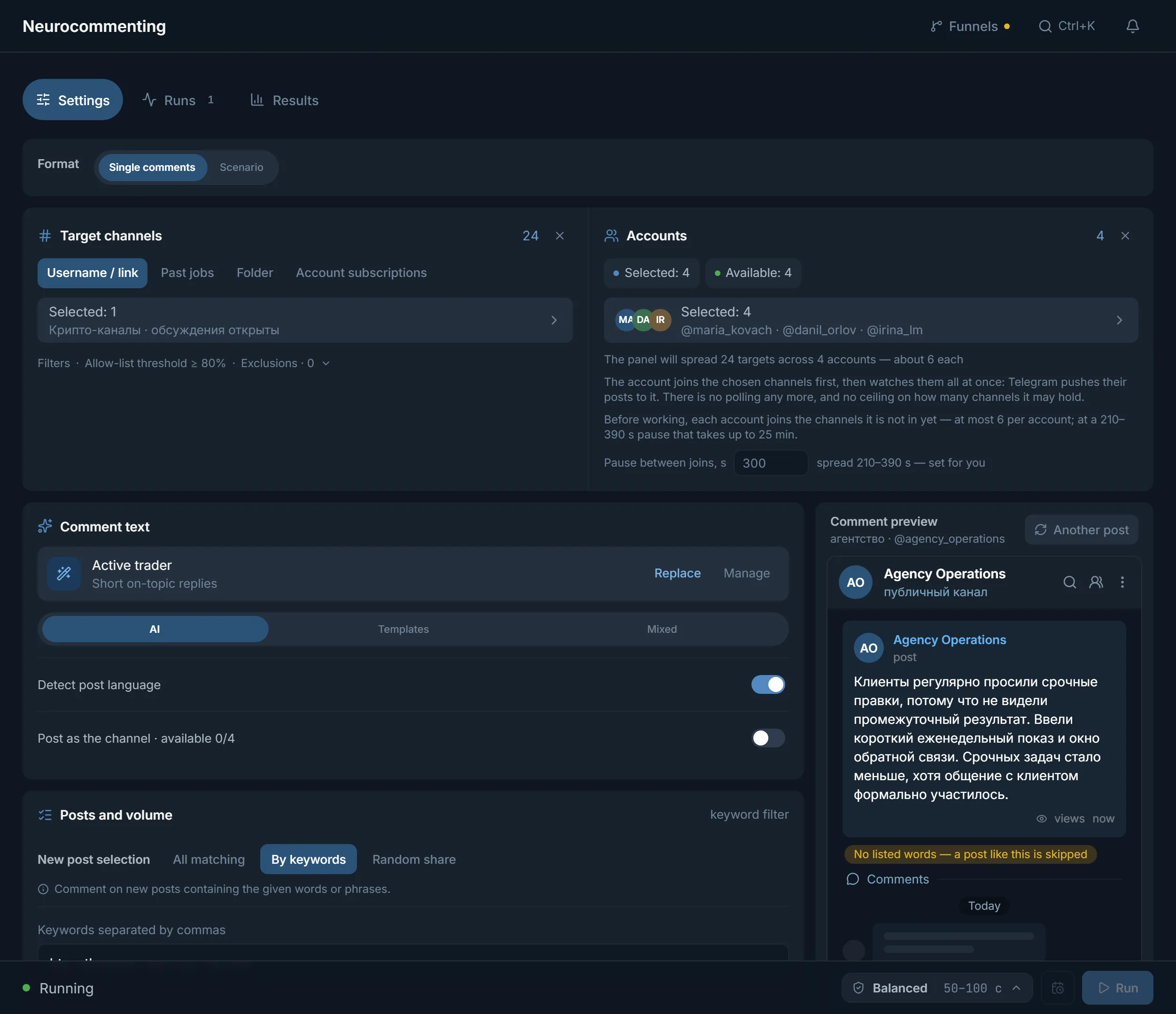
AI commenting leaves replies under new posts from your accounts. The text is written by AI, taken from templates or a mix of both. More on the AI commenting page.
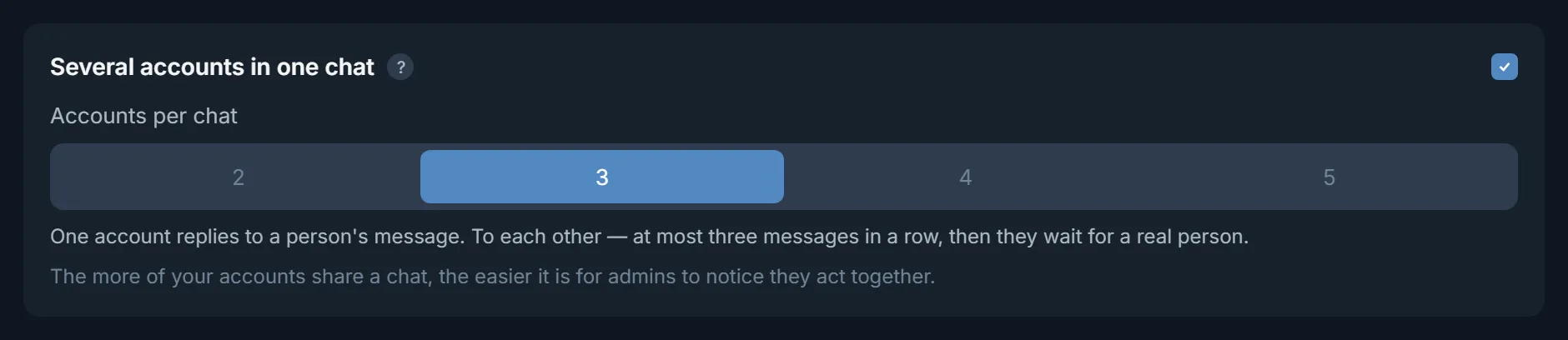
Neurochat keeps accounts in chats as ordinary members: they reply and start topics following your instruction. Slower than comments, but it gives you a conversation. Setup is on the Neurochat page.
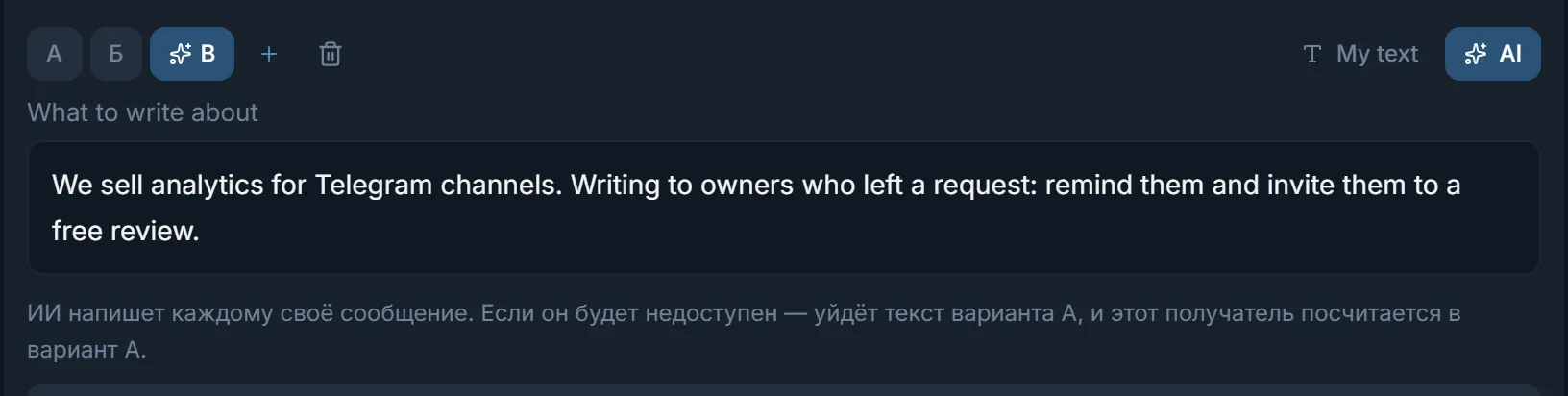
Mailing follows a scenario, the first message can have several variants, and AI can write each recipient their own. How it works is on the Telegram mailing page.
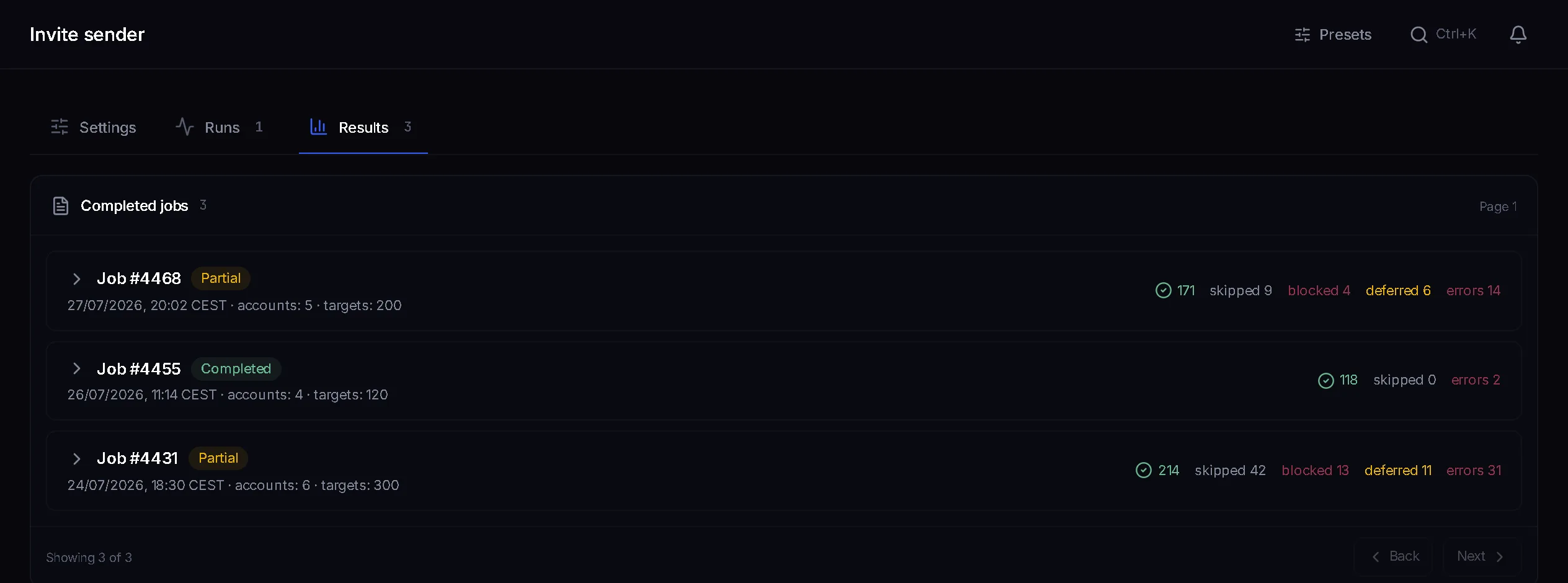
The inviter invites people from a collected base into your channel or chat, and after a run shows how many invitations went through and how many errors there were. Details on the inviting page.
Mass reactions put emoji on people's comments and messages in other channels and chats, and the author gets a notification. Masslooking views stories of people in your base. These back up the main methods.
Pick a start by what you promote. Add a second method once the first has shown numbers.
| What you promote | Where to start | What to add later |
|---|---|---|
| A new channel with no audience | Comments under posts of similar channels | Invitations to a base of members of nearby chats |
| A community chat | Neurochat in nearby topic chats | Inviting into your chat |
| A bot or an info product | Mailing to members of topic chats | Working through replies in Dialogs |
| A predictions or crypto signals channel | Comments in channels on the same topic | Reactions to people's comments and views of their stories |
The order does not depend on the method. Only the module at the third step changes.
Import accounts into the manager and give each one a proxy right away. Proxies can be checked and assigned in the proxy center.
Let new accounts spend time in the auto warmup programme first. Its progress is visible in its journal.
Open the module, set channels or chats, a text or AI instructions and how many accounts work at once. No more accounts start at once than your plan has streams.
Private conversations are collected in Dialogs. New ones show under a filter, and you take over the one you need with the Take over button.
Chat, private messages, inviting and reactions: these are the settings you will touch most often.

A TeleTraff plan sells streams. One stream is one account busy with a task right now, and every module has exactly as many as the plan gives. AI commenting does not share streams with the inviter.
For 30 days: Starter with 10 streams is $24, Pro with 50 streams $59, Ultimate with 100 streams $117. A paid plan does not count how many accounts are imported. Details on the pricing page.
Terms on this page
Start with comments under posts of similar channels and invitations to a base of people from nearby chats. Before that, set up the channel and warm up the accounts, or the people who come will leave an empty feed.
It depends on what you have. A topic and a channel list mean comments. A base of people means mailing. They are often run in parallel on different accounts.
Yes. Import your own from tdata or session files and buy missing ones in the marketplace inside the panel. A paid plan does not limit how many accounts you import.
Yes. Neurochat talks in nearby topic chats, and the inviter brings people into yours. The order is the same as for a channel.
In Dialogs. A Dialogs campaign collects private conversations of the chosen accounts, with New and Needs attention filters. Mailing replies go there in the Hand over to Dialogs mode.
Yes, the panel opens in a browser on a computer and on a phone. Nothing to install.
Read next
Other sections
Trial access: 3 days with no card, every module and 3 streams in each. The clock starts with the first account you add.