Answer first, details after
The first lines of every block answer the question. If that is enough, you are done. If not, the steps and a guide link follow.
A launch stalled, a bought account stays silent, no idea how many accounts to put on one proxy? The answer is probably below. First the short conclusion, then the panel screen where it is done and a link to the full guide.
In short
Telegram promotion questions tend to be the same: where to start, how to check an account for a spamblock, which proxies to use and how many accounts to put on one, how to upload tdata and what a stream in the plan is. This page collects short answers to them, the TeleTraff screens where each thing is done and links to the full guides.
TeleTraff editorial teamUpdated: Checked in the panel
The first lines of every block answer the question. If that is enough, you are done. If not, the steps and a guide link follow.
Answers use the real names from the panel: Proxy center, Assign proxies, Take over, Upcoming runs.
We describe the platform the way we see it ourselves. There are no invented thresholds, and the panel's hints are called hints.
Six topics almost everyone starts with. Pick yours.
Before the start you need accounts with proxies, a list of channels with open comments and an AI instruction. The order is covered in the AI commenting guide.
A spamblock or freeze on one or two accounts shows up before you buy, in the free checker. It needs a session file and a proxy.
The panel takes a tdata folder, .session files with their .json and ZIP or RAR archives. What to do after the import is in the account manager guide.
HTTPS, SOCKS5, HTTP and MTProto all work. How to check a proxy before accounts sit on it is in the proxy center guide.
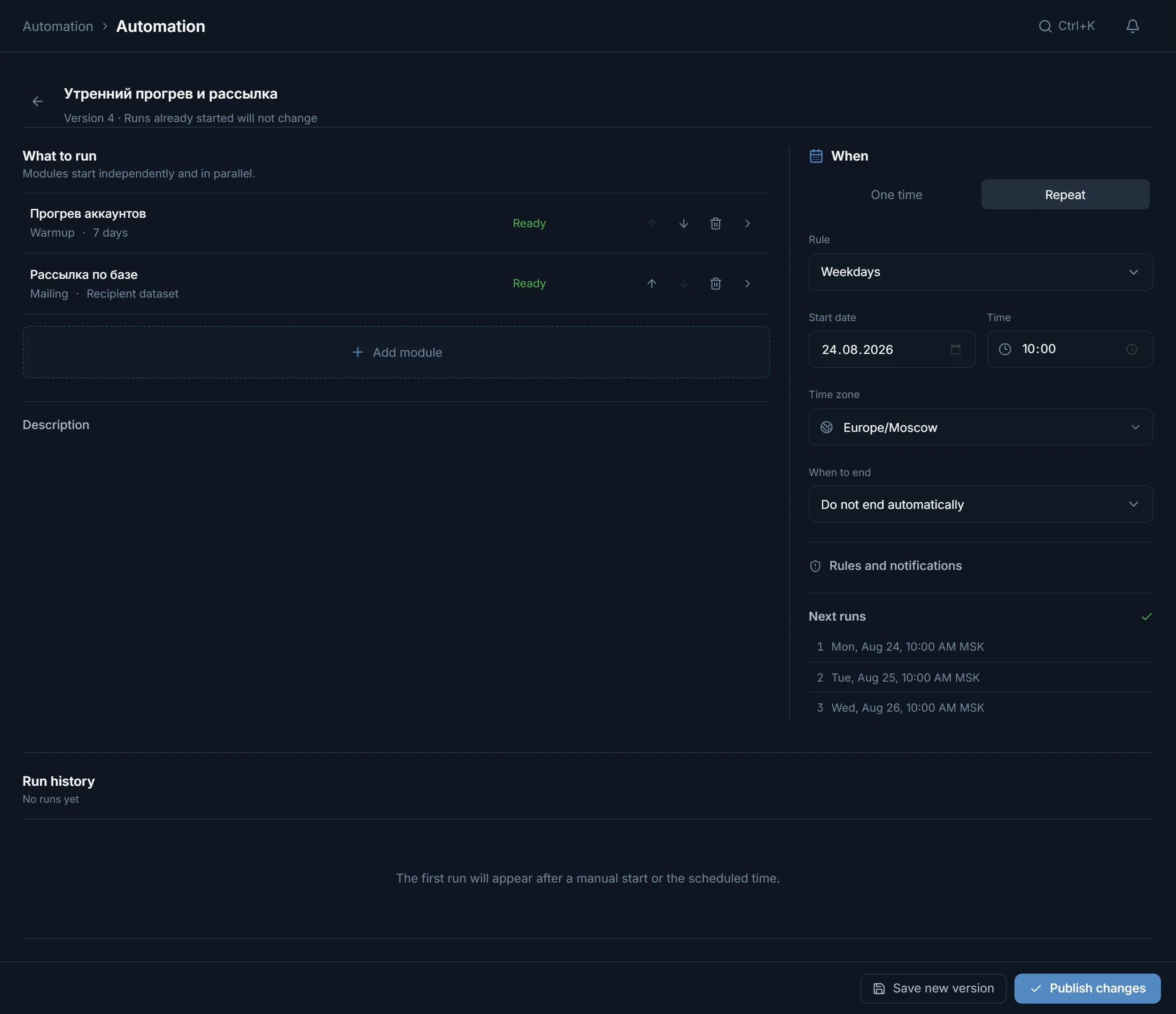
Automation has an On chosen weekdays repeat: the mailing goes out by itself on the days you pick. The screen is covered in the automation guide.
How many messages, invites and joins a day accounts withstand, and what a spamblock and a freeze are: it is all on the Telegram limits page.
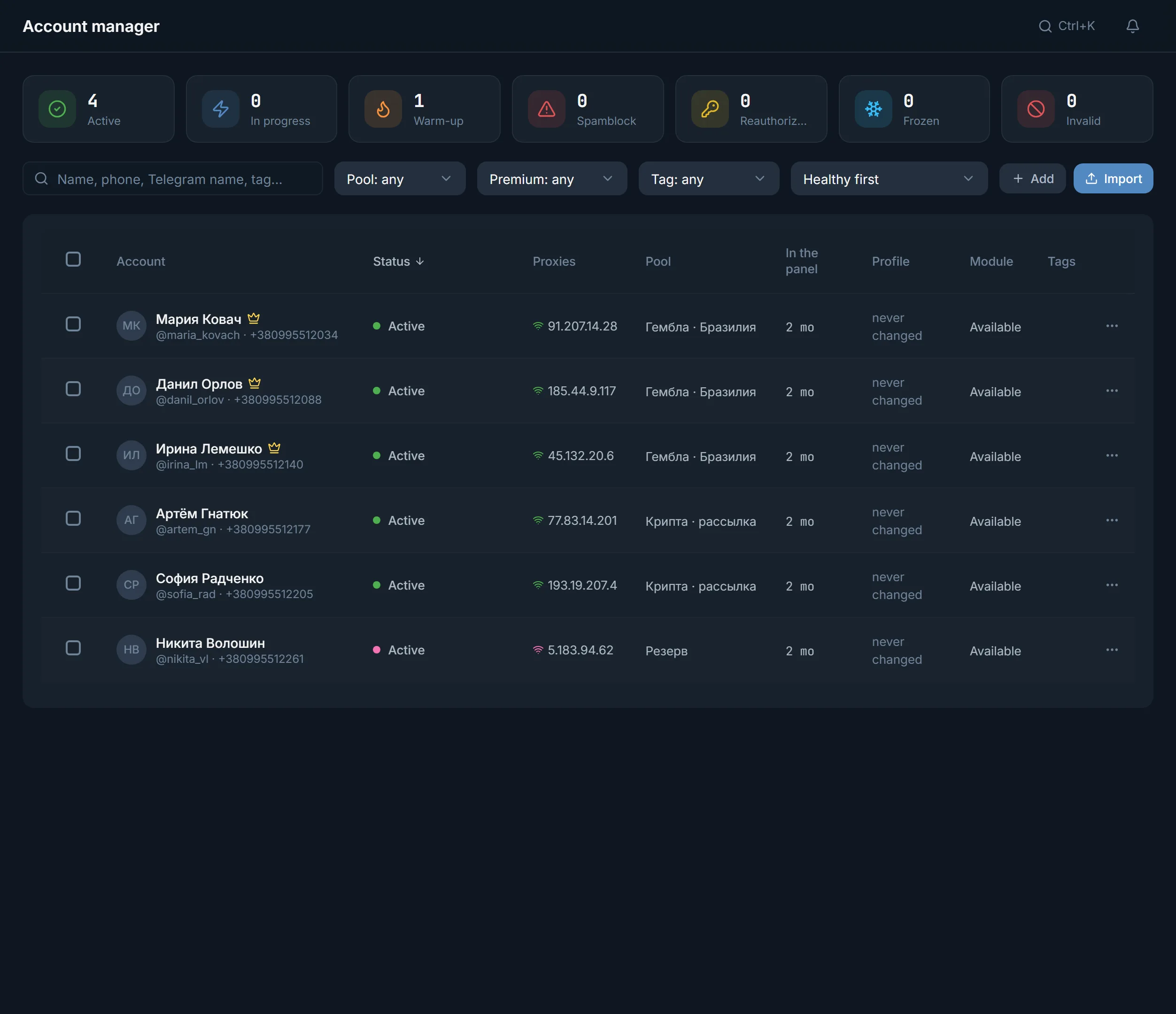
Start with what you have. Upload the accounts to the Account manager: it takes a tdata folder, .session and .json pairs and ZIP or RAR archives. The proxy is assigned and checked right in the import wizard, before the first action in Telegram. Then click the Spamblock tile above the table: only accounts with a spamblock stay in it. Frozen and quarantined accounts have tiles of their own.
Next come proxies. The Proxy center works with four protocols: HTTPS, SOCKS5, HTTP and MTProto. The panel checks whether a proxy gets through to Telegram and collects the dead ones in Quarantine. Telegram does not publish how many accounts can share an address. The panel warns when one proxy carries more than 10 accounts: in our experience, the more accounts share an address, the higher the risk of a freeze.
Only then the first launch. A small one: a couple of accounts, a few targets, one module. If something goes wrong, you see it on two accounts rather than on the whole base. No accounts yet? Start with where to get accounts and proxies.
Half of the questions are closed by one look at the right screen.
| What happened | Where to look | What you see there |
|---|---|---|
| An account stopped writing | Account manager | The Spamblock, Frozen, Quarantine and Invalid tiles. Clicking a tile filters the table |
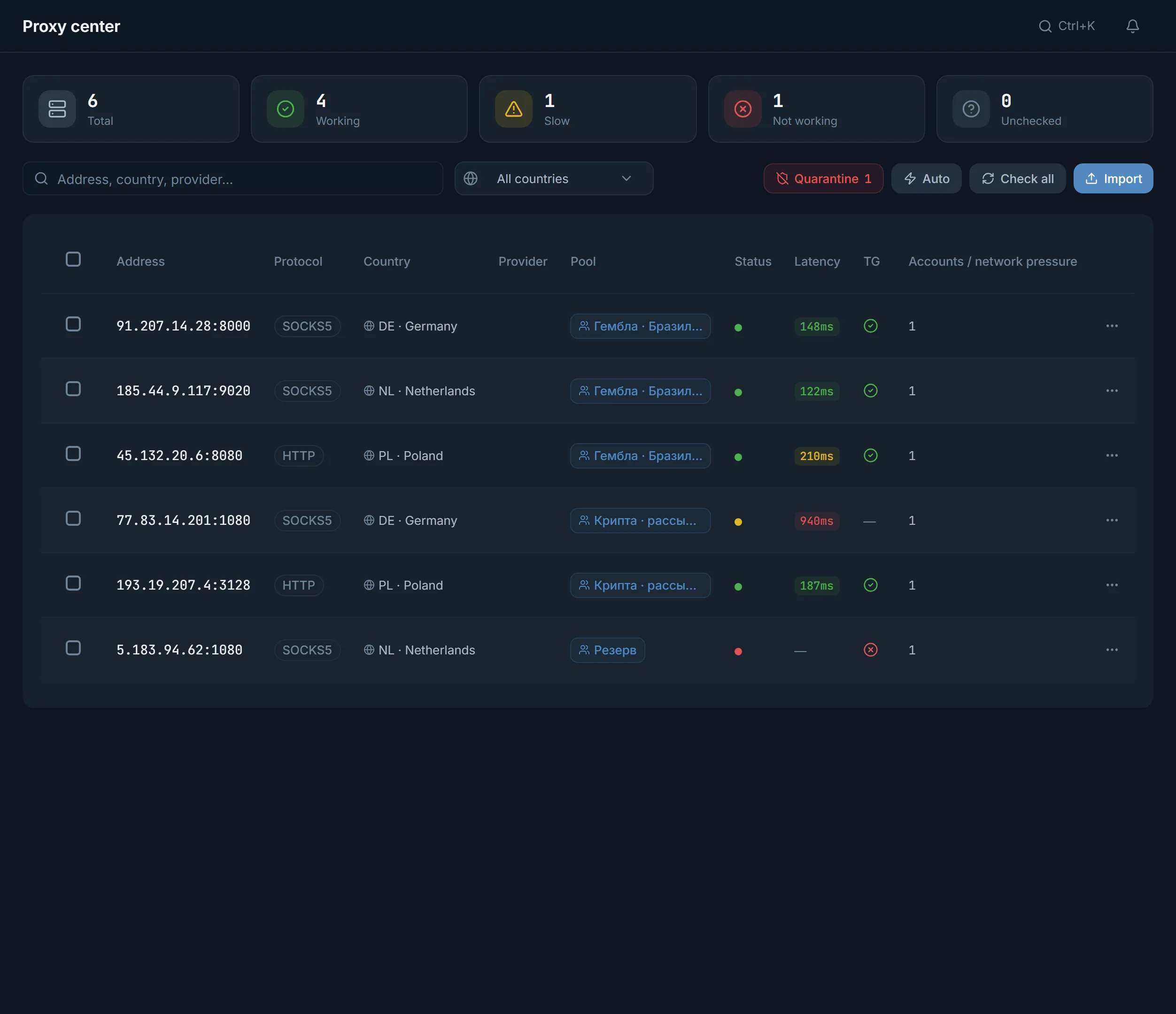
| A proxy went down | Proxy center | Status, latency, the Telegram check and the Accounts per proxy column |
| A scheduled run did not start | Automation | Upcoming runs and Run history of the saved schedule |
| Someone replied in a private chat | Dialogs | The New and Needs attention filters and the Take over button |
| Warm-up goes wrong | Account warmup, Runs tab | The state of each account and the Programme journal with events |
| The base ran out | Data parsing, Datasets tab | Collected lists. The Use button on a dataset card sends it to a module |
Four checks after which the cause usually turns up.
The module records which account did what and where it stopped. Start there, not with the settings.
It shows the proxy, the pool, the profile and two-factor protection. The cause is often right there.
In the Proxy center, Check filtered proxies tests the whole group at once instead of one by one.
Every screen is explained field by field in the module guides. Find yours and compare it with what you set up.
These screens come up in answers more often than others. It helps to know them by sight.
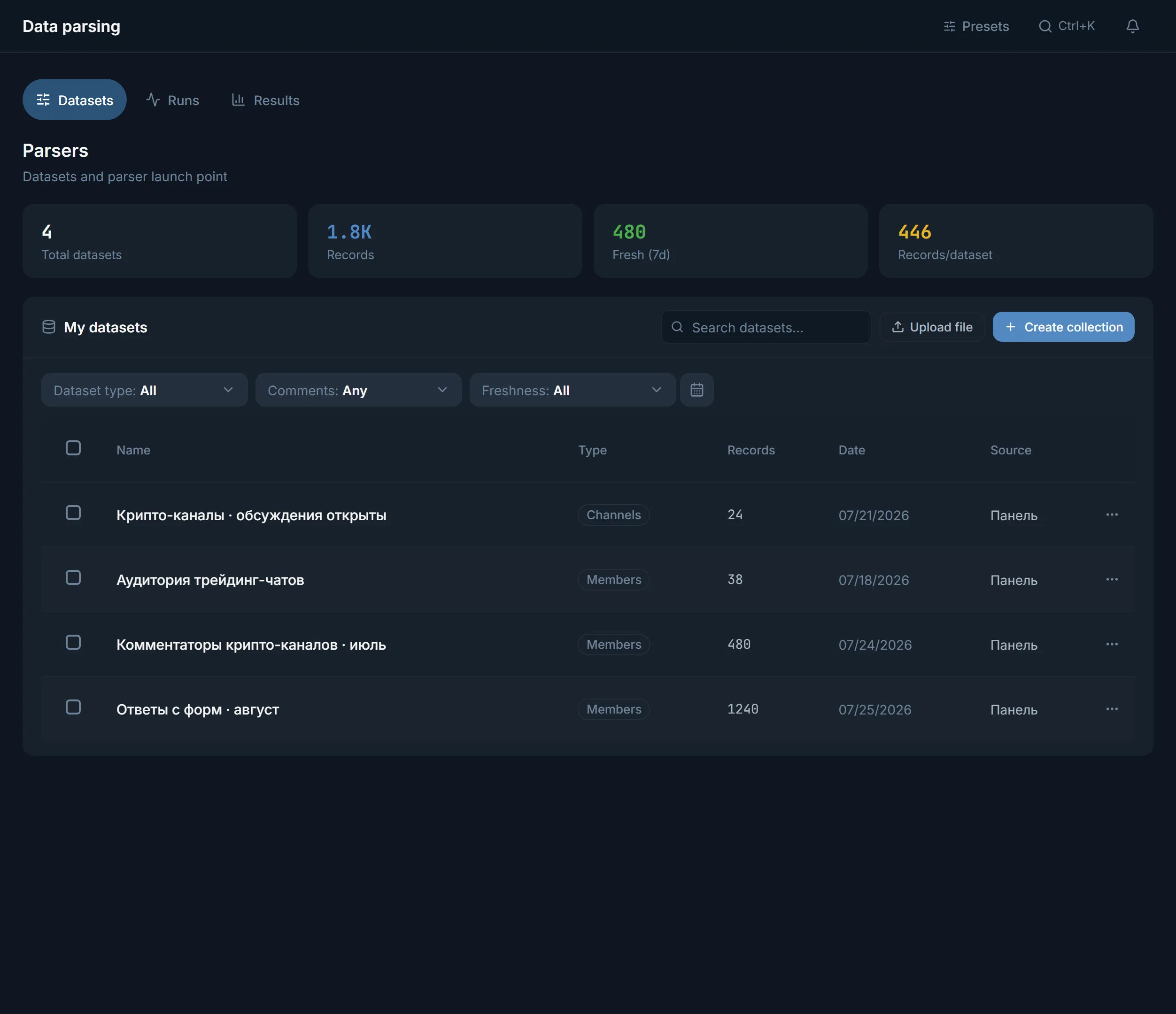
One account that is doing a task right now takes one stream. The number of streams applies to each module separately. On Starter for $24 that is 10 streams in commenting and another 10 in mailing at the same time, on Pro for $59 it is 50 each, on Ultimate for $117 it is 100 each. Every plan runs for 30 days.
Paid plans let you upload as many accounts as you like, the trial up to 10. If only some streams in a module are free, the task starts on the accounts that got one, and the panel lists the rest with a reason each. If no stream is free at all, the task does not start and does not wait in a queue. Prices and plans are on the pricing page.
Terms on this page
With the import and a check. Upload them to the account manager together with proxies and look at the Spamblock tile. Make the first launch on a couple of accounts.
There are two ways. The free checker on the site works without sign-up and checks up to 5 accounts at a time; it needs a session file and a proxy. Inside the panel the status shows in the account manager, and the bulk Check action tests a whole batch.
Telegram publishes no exact number. The panel warns when one address carries more than 10 accounts. How many accounts sit on each proxy is shown in the Proxy center, in the Accounts per proxy column.
A tdata folder, .session and .json pairs, or ZIP and RAR archives. Sessions must be in Telethon format. Everything goes through Import accounts in the manager.
No. The number of streams in the plan applies to each module separately. Commenting does not take streams away from mailing.
In the run log of that module: it shows the account and the event. If the run came from a schedule, open Run history in Automation.
Read next
Other sections
The TeleTraff trial opens every module for 3 days, no card needed. The clock starts with the first account you add.