Import as a list
Paste the list or upload a .txt file. The panel shows how many lines were parsed and an error for each bad one.
Every working account should reach Telegram through its own proxy, or all accounts show up from one address. In TeleTraff you load SOCKS5 proxies into the proxy center as a list; the panel checks each one through Telegram and hands the working ones out to accounts, matching the country first.
In short
In TeleTraff, SOCKS5 proxies for Telegram accounts are added in the proxy center: the Import button, the SOCKS5 protocol and a list of lines like host:port:login:password. After import the panel checks every proxy by itself: first the connection to it, then the link to Telegram through it, with no account involved. Working proxies go out to accounts with Assign proxies, and dead ones collect in Quarantine with a reason.
TeleTraff editorial teamUpdated: Checked in the panel
Paste the list or upload a .txt file. The panel shows how many lines were parsed and an error for each bad one.
A proxy that opens websites may still block Telegram. The panel checks the link to Telegram's servers specifically.
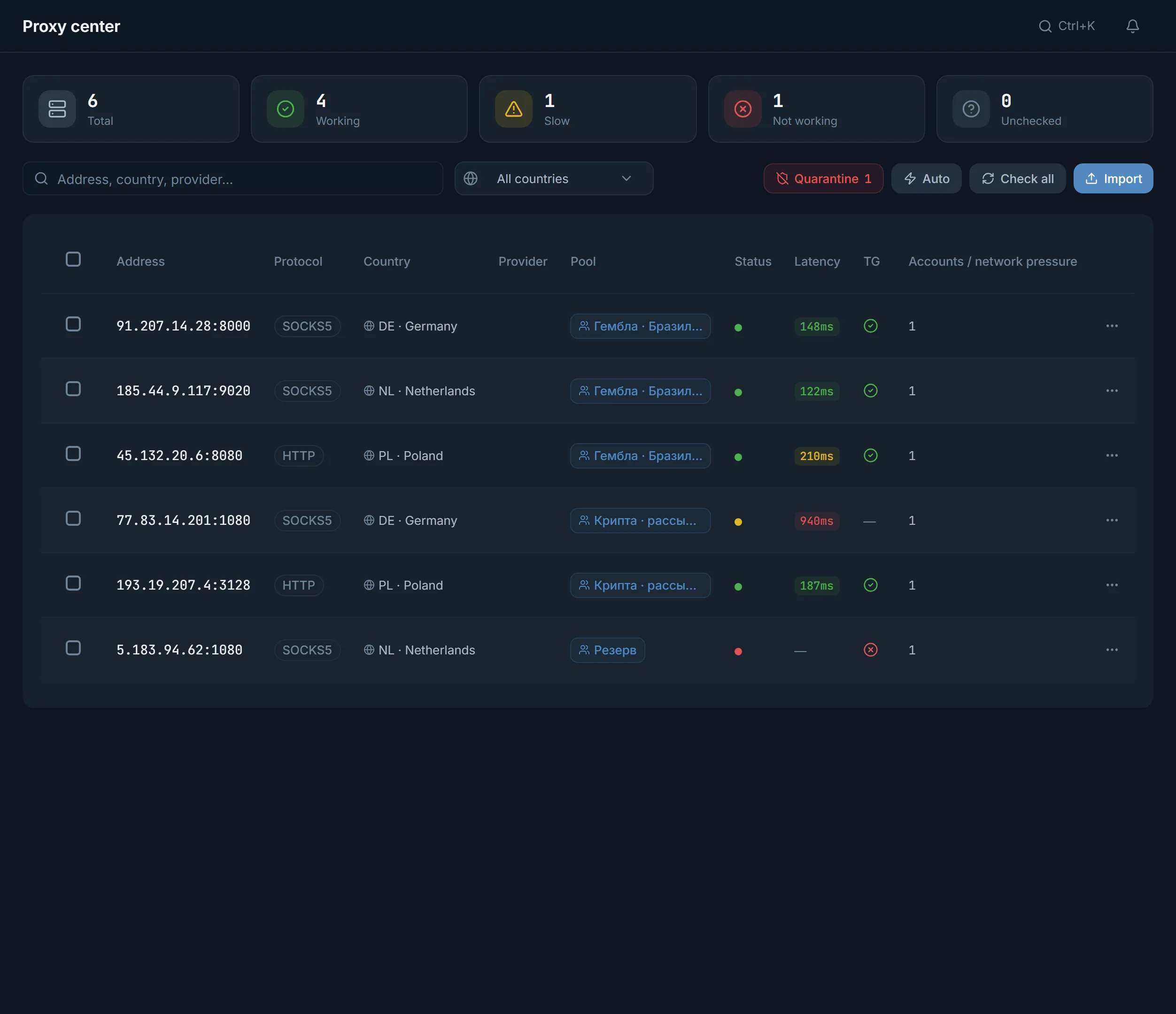
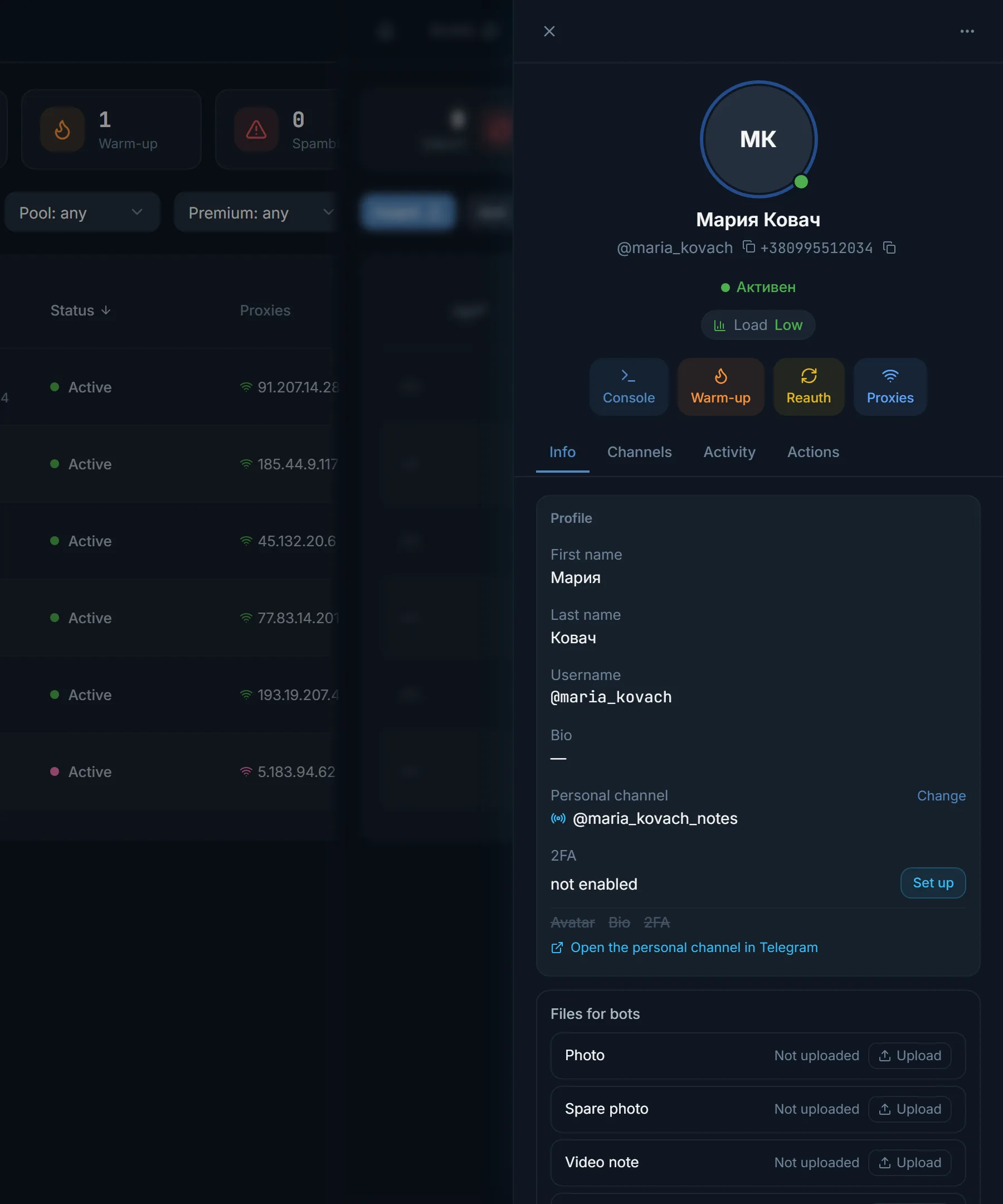
The Accounts per proxy column shows how many accounts sit on each address.
SOCKS5 carries any traffic, not just the web, so the Telegram client works through it. It is usually locked with a login and password. The panel accepts SOCKS5, HTTP, HTTPS and MTProto, but not SOCKS4.
With MTProto some captchas and the spam block appeal will not work; they need SOCKS5 or HTTP. And the panel's main rule: an account reaches Telegram only through a proxy, and the proxy is checked before the first login, already at account upload.
In the proxy center, press Import.
A line without a scheme gets the protocol chosen in the window, and the default there is HTTPS. Switch a SOCKS5 list without socks5:// at the start of the lines to SOCKS5.
Accepted: host:port, host:port:login:password, login:password@host:port, and the same lines with a socks5:// scheme. Login and password in Latin characters only. You can also upload a .txt file.
Parse shows the good and bad lines and how many proxies are already in the panel. Import adds the proxies and checks them right away.
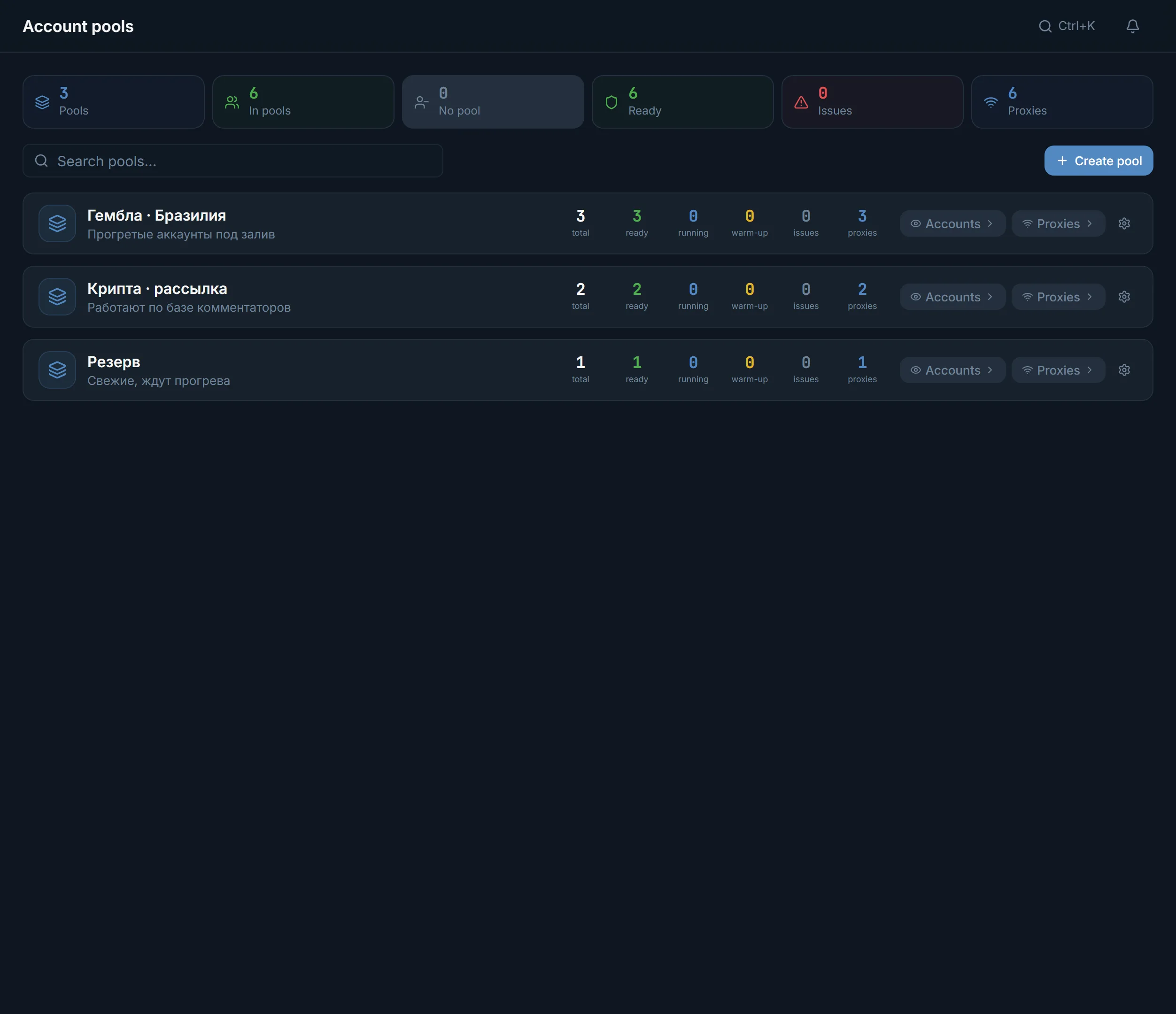
Assign proxies opens Smart proxy assignment. To assign by hand, use Assign to accounts in a table row or the pool menu.
The Accounts per proxy column shows how many accounts sit on each address. Hover to see their names.
| What is checked | How | What the table shows |
|---|---|---|
| Connection to the proxy | A connect to the proxy's own host and port | Latency: green under 200 ms, yellow under 500 ms, red above |
| Link to Telegram | A tunnel through the proxy to Telegram's servers, with no account and no login | A tick or a cross in the TG column |
| Speed | A connection longer than 1.2 seconds | The Slow status |
| Whether it works | No connection, or Telegram unreachable through the proxy | The Error status, the proxy in Quarantine |
The panel rechecks every proxy by itself every 9–15 hours. If the protocol was set wrong, a manual check tries the other two of HTTP, HTTPS and SOCKS5 and keeps the one that connects. A check needs a free plan thread.
When some proxies have failed, a Quarantine button with their count appears next to the others. It opens Proxy quarantine, where each address has its reason:
Restore rechecks a proxy, and a working one goes back into service. Assign proxies never hands dead proxies to anyone. Accounts already on such a proxy stay on it unless the pool's Proxy policy is Replace with a free proxy: then the dead proxy is swapped for a free one before launch.
You can also buy proxies in the panel's marketplace: it shows each supplier's price, and a bought proxy lands in the proxy center at once.
Terms on this page
The panel accepts SOCKS5, HTTP, HTTPS and MTProto, but not SOCKS4. MTProto cannot pass some captchas or the spam block appeal, so working accounts usually get SOCKS5 or HTTP.
The panel checks the link to Telegram specifically, and some suppliers block it. See the reason in Quarantine: wrong login or password, closed access, wrong protocol or no connection.
The panel sets no hard limit. It warns you when one address carries more than 10 accounts. The Accounts per proxy column shows the count for each proxy.
Proxy details cannot be edited in the panel. A line with the same address and a new password imports as a new proxy, and you delete the old one.
Proxy passwords and secrets are stored encrypted in the database. The login is stored as is.
No. The panel checks proxies right after import and then every 9–15 hours. By hand you can press Check on a row or Check filtered proxies for everything found.
Read next
More in this section
Other sections
3 days, no card: every module, 3 threads in each, up to 10 accounts. The clock starts with the first account you add.