Each account its own password
Generate mode gives every account a unique password. If one leaks, the other accounts stay locked.
A 2FA cloud password stops anyone from logging in with an SMS code alone. With dozens of accounts, setting it by hand takes ages. In TeleTraff you set 2FA on the selected accounts in one operation, and the applied password is kept on each account's card.
In short
You can set 2FA on Telegram accounts in bulk in the TeleTraff account manager: select the accounts, open More and choose Two-factor protection. The panel offers to generate a unique password for every account, set one password for all, or remove 2FA. The tasks go to Telegram per account, and the applied password is stored on the account card.
TeleTraff editorial teamUpdated: Checked in the panel
Generate mode gives every account a unique password. If one leaks, the other accounts stay locked.
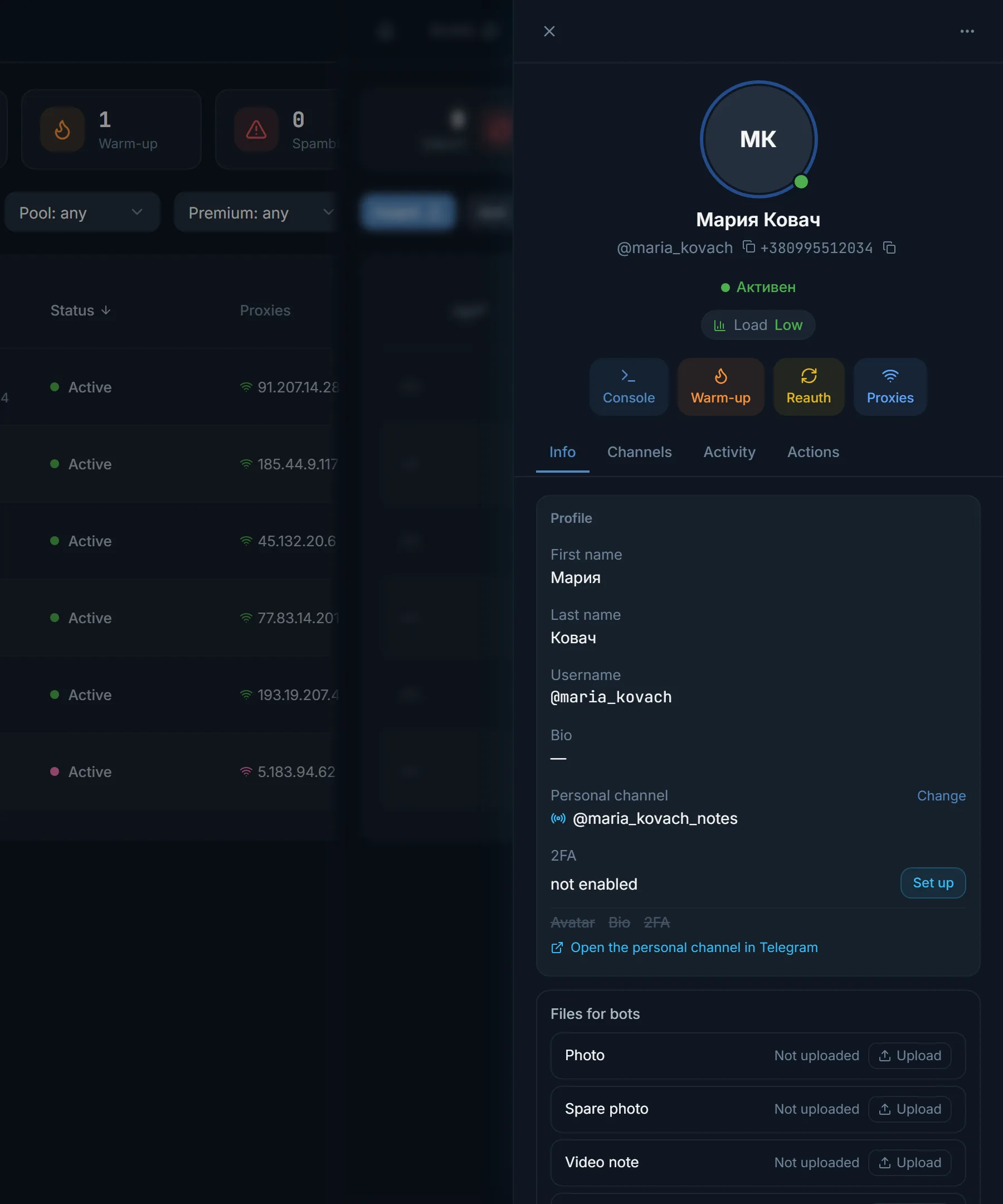
The applied password is kept on the account card. The Show button reveals it and lets you copy it.
If an account has a password the panel does not know, it asks for the current one. A wrong password changes nothing and does not overwrite the stored one.
2FA in Telegram is a cloud password. When someone logs in from a new device, Telegram first sends a code and then asks for this password. Without it, anyone who gets hold of the code can log in.
Bought accounts often have no password, or the seller's. Owners usually set their own right after the check, before the account goes to work. The term is explained briefly in the glossary.
Do not confuse it with two-factor protection of your login to the panel itself. That one lives in your profile's security settings and has nothing to do with Telegram accounts.
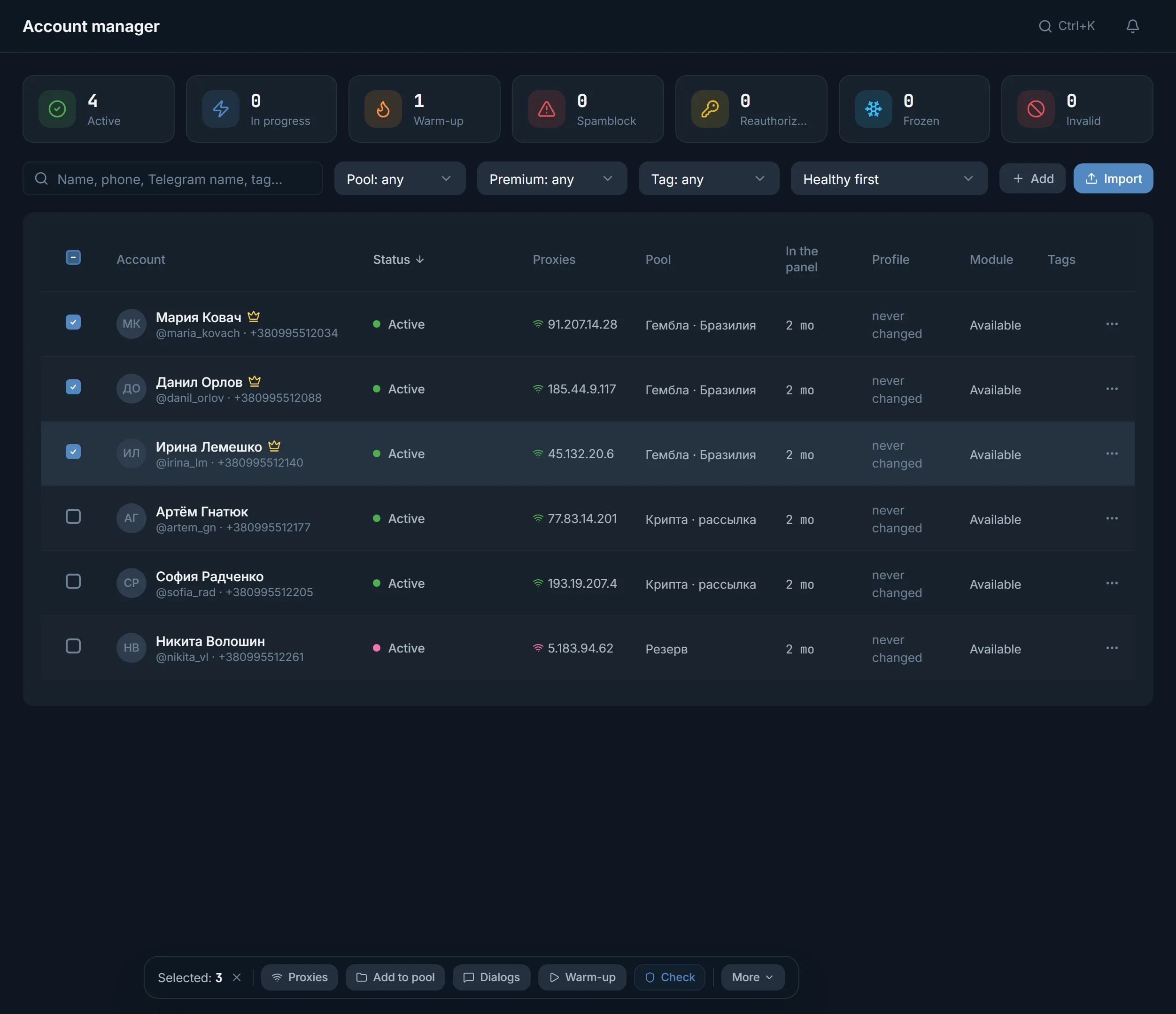
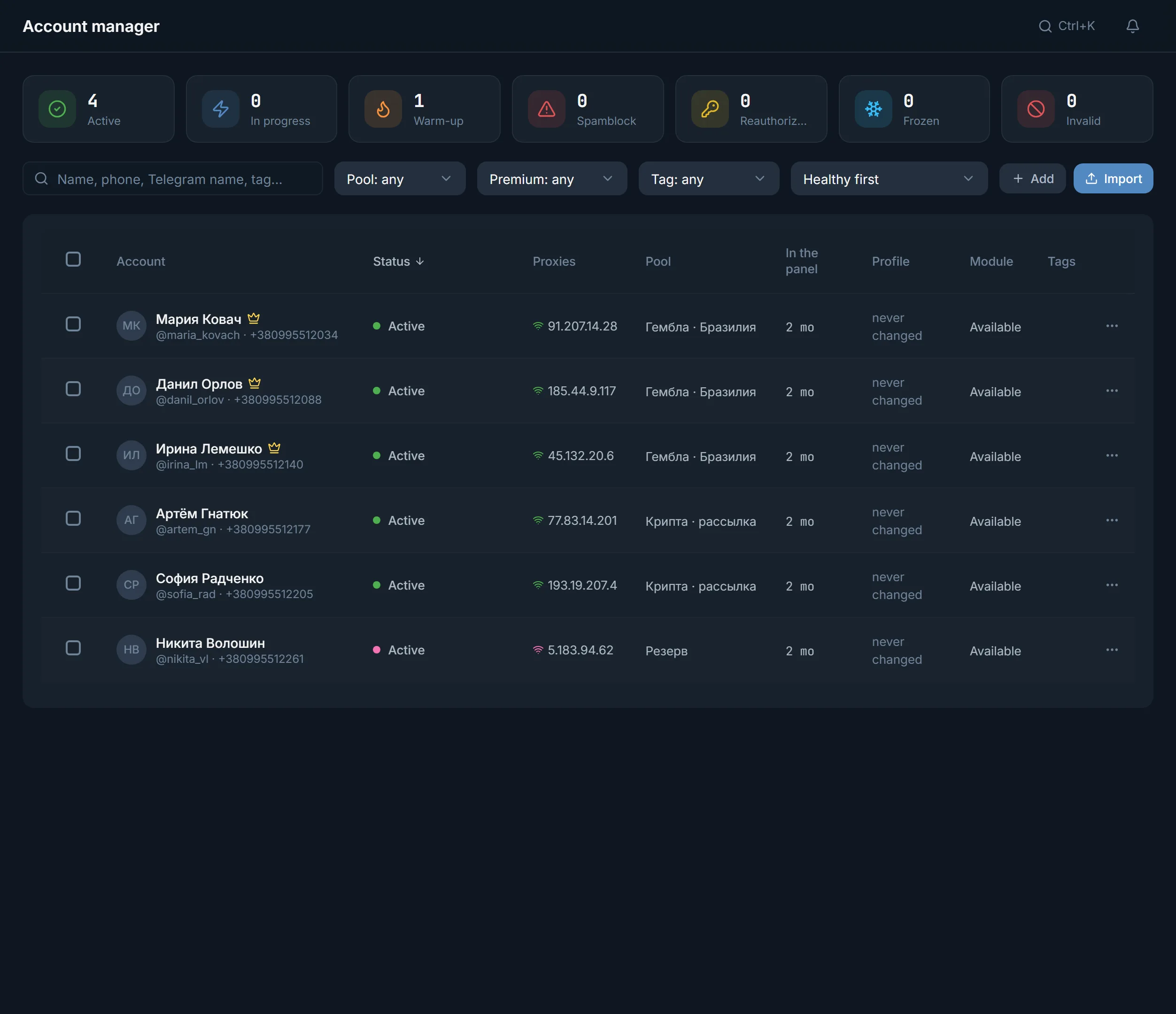
In the account manager, tick the accounts you need. A bulk action bar appears at the bottom.
In the More menu choose Two-factor protection. The Set 2FA window opens with the number of selected accounts.
Generate, one password, or Remove 2FA. Your own shared password must be at least 6 characters long.
The window shows how many accounts have a password the panel does not know. Without the current password Telegram will not let you change or remove it.
The panel queues a Telegram task for every account and says two-factor protection has been queued.
The 2FA row of each account shows password saved. The panel reads that state from Telegram, not from what was typed.
| Mode | What it does | When to use it |
|---|---|---|
| Generate | A unique password for every account | For a farm: one leaked password opens nothing else |
| One password | Your password for all selected, 6 characters or more | When a small group needs one password |
| Remove 2FA | Takes the password off the selected accounts | When you pass an account on without a password |
Below the profile, the card lists what is not filled in: Avatar, Bio, 2FA. The profile generator fills in the avatar and bio.
If you already know an account's password, store it right at tdata upload or session import, in the Account 2FA passwords block. Those passwords never end up in bulk lists or exports.
When you add an account with Add by phone number, the panel asks for the Telegram code and the 2FA password, if one is set.
Two-factor protection has its own threads, like a module. Accounts over the limit do not start by themselves: the panel warns you, and they stay selected for the next batch.
The trial has 3 threads, Starter 10, Pro 50, Ultimate 100. A spam-blocked account can be locked with a password too: 2FA is an account setting and writes to nobody. Prices are on the pricing page.
Terms on this page
Yes. Select the accounts in the manager, choose Two-factor protection in the More menu and pick a mode. How many accounts run at once depends on your plan's threads; the rest go in the next batch.
On the account card, in the 2FA row. The Show button reveals it with a copy button. Passwords saved at import never end up in bulk lists or exports.
The window asks for the Current 2FA password. Without it, Telegram will not let you change or remove the password. A wrong one changes nothing.
Yes, the same window has a Remove 2FA mode. Accounts with an unknown password need the current one.
Uploading tdata or a session needs no cloud password. Logging in with Add by phone number does, if the account has one.
Yes. 2FA is a setting of the account itself and writes to nobody, so the panel allows it for spam-blocked accounts.
Read next
More in this section
Other sections
3 days, no card: every module, 3 threads in each, up to 10 accounts. The clock starts with the first account you add.