Six kinds of finds
Phone numbers, usernames, private links, emails, any links and wallets are switched on one by one. The run does not start until at least one kind is selected.
The Messages parser reads chat history and pulls out what people wrote there themselves: phone numbers, usernames, links, emails, wallet addresses. In order below: what ends up in the dataset, what the parser cannot do, how to still find people by their words, and the form the result comes in.
In short
Telegram message scraping in TeleTraff is done by the Messages parser: it reads the history of the chats you pick and pulls phone numbers, usernames, private t.me links, emails, links and crypto wallet addresses out of the text. It has no search by words inside messages. To find people by what they write, use the Members parser with Only people who wrote in the chat and Must contain words.
TeleTraff editorial teamUpdated: Checked in the panel
Phone numbers, usernames, private links, emails, any links and wallets are switched on one by one. The run does not start until at least one kind is selected.
All history, the last N messages (from 1 to 100,000 per source) or a date range. The Only since the last run switch continues from where the parser stopped last time.
A row holds the type, the value, the name next to a number and the wallet network. The full message text is added by a separate switch that is off by default.
The parser opens a chat history, reads the text of every message and looks in it for the selected kinds of data. It is not a list of people: the dataset holds values that members wrote themselves. It does not see the phone number in a Telegram profile, only a number typed into a message. All six switches in the What to collect block are off by default and have to be turned on by hand.
| Switch | What goes into the dataset | How it works |
|---|---|---|
| Phone numbers | Numbers from message text | Three spellings: with +, with country code without +, without country code. All three are on by default; Collect a nearby name adds the name that stands before the number in the text |
| Telegram usernames | Usernames from text | One username once per run, however many times it is repeated |
| Private Telegram links | Invite links to closed chats | The t.me/+... and joinchat formats |
| Email addresses | The address is taken from the message text as it is | |
| All links | Any links from messages | The same link with a different letter case in the domain counts as one |
| Crypto wallets | Wallet addresses | TON, Bitcoin, Tron, Solana and EVM networks; the row names the network |
A number is recognised by the length of a digit string, so a figure that happens to look like a phone can end up in the list. General run settings, accounts and sources are described in the parsers guide.
People often expect a message scraper to search for messages with a word. The Messages parser has no such mode, and this is what exactly is missing.
This takes a different parser, Members. It has a writers mode and word filters, and the result is a list of people, not of values.
Add chats as sources: an @chat, a t.me link or a chat ID. For a channel the panel takes those who comment.
In the Wrote in the chat field pick a period: Within a day, Within 3 days, Within a week or Within a month. A week is the default.
In the Must contain words field type words separated by commas, for example usdt, exchange. In Exclude words enter what should be filtered out.
Each person's record will hold the text of their latest message, its date and the chat. It shows why the person passed the filter.
This route has two limits. The panel checks only each person's latest message in the period: someone who wrote about usdt yesterday and answered ok today will not pass. No more than 20,000 of the latest messages per source are scanned, newest first. A person needs only one of the words to appear in the message. Without Only people who wrote in the chat the words are checked against the name and username only. More on people fields and filters: the members scraper.
All history by default, Last N messages with a number from 1 to 100,000 for each source, or Date range. On a large chat the whole history takes long to read.
The panel remembers the message it reached in each chat and next time takes only new ones. Handy when the same chat has to be checked every week.
Off by default. When on, the message text is added to the row, but only for messages where the selected kind of data was found.
If a source is a private invite link and the chosen account is not in that chat yet, it joins by the link before reading. Keep this in mind in advance if the account is needed for other work.
| Row field | What it holds | When it is filled |
|---|---|---|
| Data type | Phone, username, private link, email, link or wallet | Always |
| Value | The number, address or link itself | Always |
| Name | The name that stood next to the number in the text | For phones, if Collect a nearby name is on |
| Wallet network | TON, Bitcoin, Tron, Solana or EVM | For wallets |
| Message text | The whole message | If Store the full message is on |
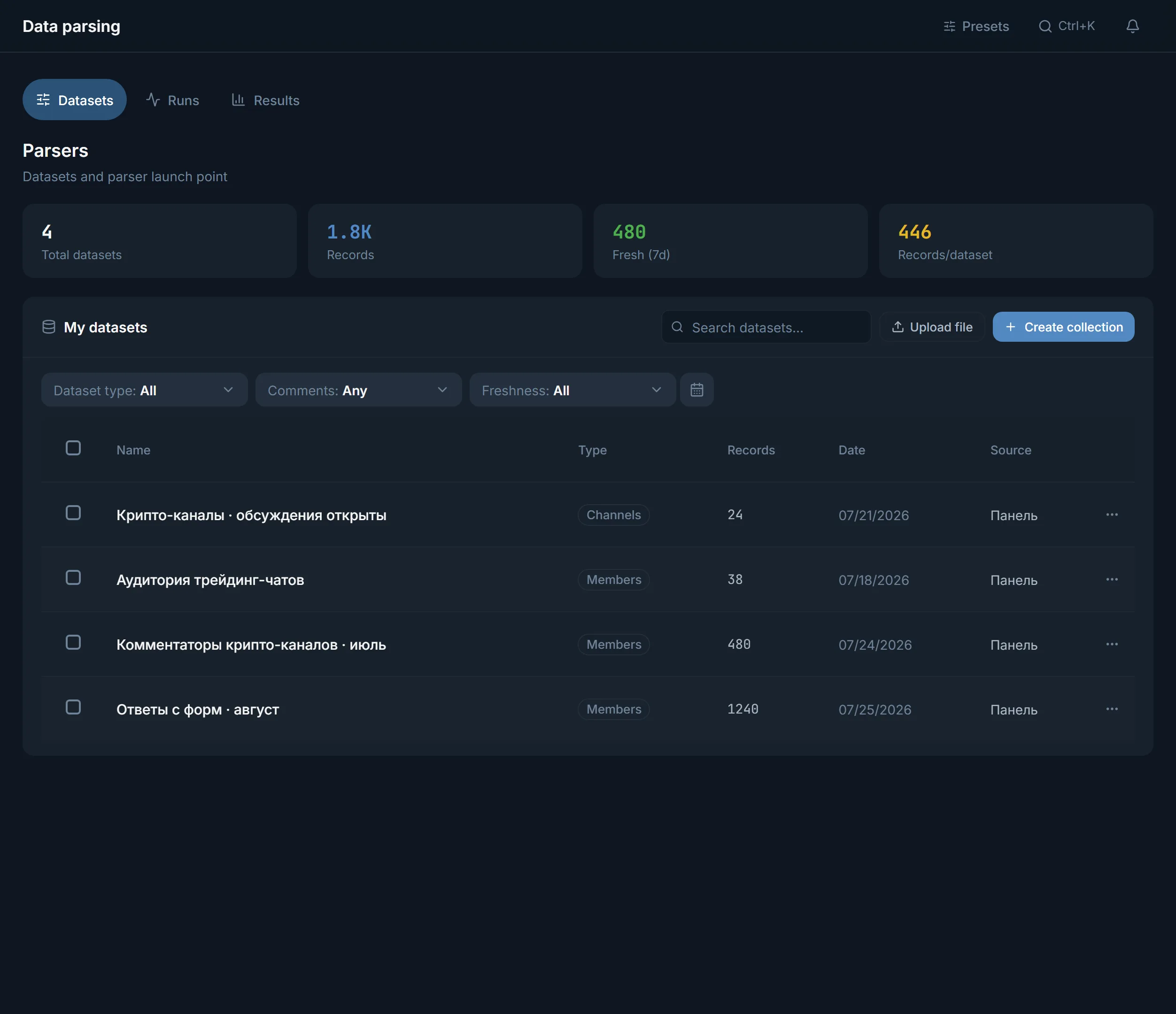
Identical values do not repeat within a run: a pair of type and value goes into the dataset once. The file comes as CSV, JSON or TXT; this dataset has no xlsx. The dataset is visible in the Data parsing section next to the others.
In exchange and trader chats people leave wallet addresses and the usernames of exchangers themselves. The Crypto wallets and Telegram usernames switches collect them in one pass, and the wallet network is named in the row.
In threads like looking for a contractor and for sale people type a phone and a username right in the text. Phone numbers together with a nearby name gives a draft for manual contact.
Private Telegram links pull out invites to closed chats that competitors and admins mention in conversation. These are new sources for chat scraping.
Look for the chats themselves in chat and group scraping: the chats found there then go as sources into the Messages parser.
Terms on this page
No, the Messages parser does not search by text. It takes the chats you named explicitly and pulls phones, usernames, links, emails and wallets out of the history. Words work only in the Members parser: the Must contain words filter picks people by their latest message in the period.
An @chat, a t.me link or a numeric chat ID. The panel rejects a line of keywords, it does not look for chats by itself. For a private invite link the account joins the chat if it is not there yet.
From the result row you cannot. It has no author, chat or date, and with Store the full message on only the text is added. If you need who exactly wrote, use the Members parser with the writers mode: a person's record there holds their latest message.
As many as the period sets. All history reads the whole chat, Last N messages takes from 1 to 100,000 per source, Date range limits by time. Telegram hands out history in portions, so large chats take long to read.
Not within a run: a pair of type and value is written once. To avoid reading old messages again, switch on Only since the last run: the parser continues from the last message it read in each chat.
Not with a button: this dataset has no Use. Export a file as CSV, JSON or TXT and work with it yourself. People datasets from the Members parser go to the Inviter and Mailing directly.
Read next
More in this section
Other sections
Open Data parsing, pick the Messages parser, name a chat and switch on the kinds of data you need. To find people by words, take the Members parser instead.