Chats by topic in one run
The Chats parser takes words and links, collects 10 to 500 chats per run, and drops small groups with the Minimum members filter.
Scraping Telegram chats is two separate jobs: finding the chats themselves by topic, and pulling people out of chats you have already found. Below is what the panel can take from a group, a supergroup, a channel and its comment chat, and what Telegram hands to nobody.
In short
TeleTraff scrapes Telegram chats and groups with two parsers. Chats finds the groups themselves from keywords, links and similar chats. Members collects people from chats: the member list when it is open, and the authors of messages when it is hidden. A channel's subscriber list and chats none of your accounts have joined cannot be collected.
TeleTraff editorial teamUpdated: Checked in the panel
The Chats parser takes words and links, collects 10 to 500 chats per run, and drops small groups with the Minimum members filter.
When members are hidden, the panel reads the chat history and takes the people who wrote. Telegram does not show the full list to an outsider.
The Account chats tab lists chats the selected accounts are already in. A private chat is parsed by the account that is a member of it.
When people say "scrape a chat", they mean one of two things. The first is finding chats where your audience talks, for example English crypto chats or chats about gambling arbitrage. The second is taking people out of a chat you already know. In the panel these are different parsers, and they return different results.
Returns a list of groups: name, member count, link. Use it to pick places for neurochatting, group mailing or warmup.
Returns people: username, name, when they were last seen. The source has to be ready: a chat or a group, not a keyword.
| Source | What you get | What you do not get |
|---|---|---|
| Group with an open list | Members from the list, up to the number you set | Bots, deleted accounts and admins: they are filtered out by default |
| Group with hidden members | Authors of messages from the chat history | People who stay silent: Telegram shows an outsider admins only |
| Private chat | Members and authors, if one of the selected accounts is in the chat | A chat none of your accounts has joined |
| Channel | People who comment on its posts | Subscribers: Telegram shows that list to the channel's admins only |
| Channel comment chat | Members and authors, as in an ordinary group | People subscribed to the channel who never write under posts |
If you put a channel link into the Members parser, it returns the people commenting under its posts. How the module itself works is covered in the parsers guide.
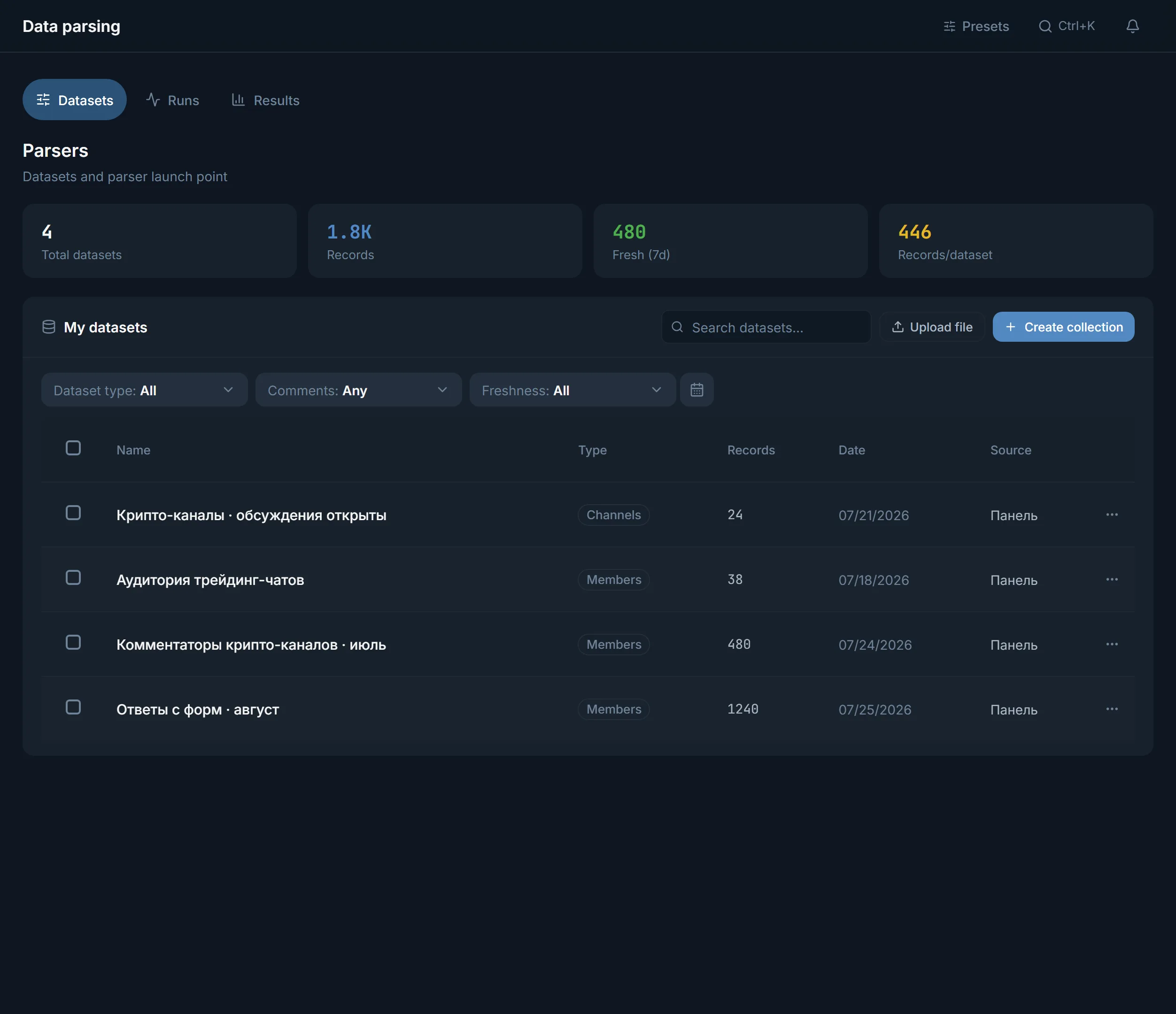
On the Data parsing page click Create collection and pick the chat parser. The Chat parser window opens.
Search looks by words, Similar starts from chats you already supplied, Deep goes further out. Similar-crawl depth is 1 to 2 in Similar mode and 1 to 3 in the others.
Type words such as "crypto trading chat" or "gambling arbitrage", or group links, one per line. You can also upload a .txt or .csv file, take records From dataset, or open Recent.
Chats to collect: 10 to 500, 50 by default. Minimum members: 10 to 50,000, 300 by default. Public only is on from the start. Last message drops abandoned chats.
Tick the accounts that will search. In the Run ceiling card set Stop after up to 480 minutes, or leave no ceiling. When the time is up the run stops and keeps what it has collected.
Click Start. The status goes through In queue, Parsing, Ready. Save the result with Save under your own Dataset name, and it appears in My datasets.
The Members parser works through its methods in order and moves to the next one only when the previous one did not reach the number you asked for.
The Only people who wrote in the chat filter changes the order. The member list is not read at all: the panel walks the history from the newest message back to the start of the period and no further than 20,000 messages. The period is chosen from Within a day, Within 3 days, Within a week and Within a month. The remaining filters for people are covered in the audience parsing article.
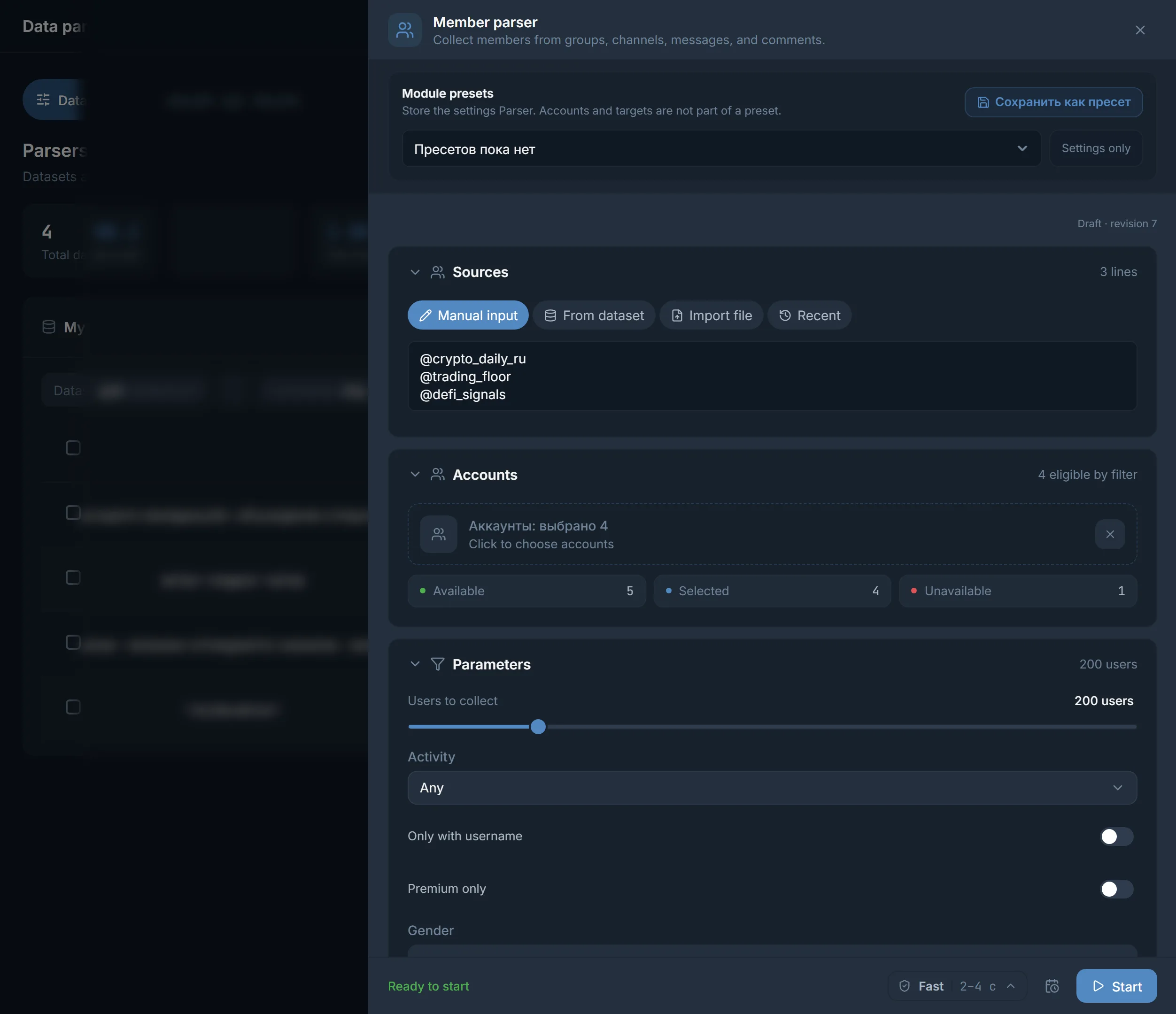
The launch window is the screenshot at the top of the page: sources, accounts and parameters sit in one window, with the Ready status and the Start button at the bottom.
| In a result row | What it means |
|---|---|
| Members: N | The member count of the chat at the time of collection |
| Verified by Telegram | Telegram's mark for a verified chat |
| rel. | Relevance to the query, scored 0 to 100: Relevance to the query: N of 100 |
| Open in Telegram | A link to the chat, so you can see at once what is discussed there |
| Funnel | Raw, filtered and unique records: shows how many the filters and duplicates removed |
The dataset sits in My datasets. Collect more adds records, Remove duplicates deletes repeats. To keep a new run from taking what you already have, switch on Do not collect what is already collected: the panel excludes every chat and channel from your datasets. The Use button opens the Use dataset in a module window, which offers neurochatting, mailing, warmup and the reporter for a chat dataset.
Terms on this page
Yes, if one of your accounts is already in it. In the Members parser open the Account chats tab, which has Private chats and Private channels. The account that is in the chat does the parsing. If the list has not loaded, click Refresh list or Open in console.
There are three reasons. The list may have been hidden, in which case only message authors are taken. Bots, deleted accounts and admins are filtered out by default. And your own filters apply: Last seen, Only with username, Photo only.
Telegram shows the subscriber list to the channel's admins only, so the panel cannot get it. It collects the people commenting under posts, who are the most active readers.
Chats to collect is set from 10 to 500, 50 by default. How many are actually found depends on the topic and on the Minimum members filter. You can also cap a run by time: Stop after, up to 480 minutes.
Switch on Do not collect what is already collected. The panel excludes every channel and chat from all your datasets, and you do not pick datasets one by one. Matching keys will not appear in the result.
Open the dataset in My datasets, click Use and choose a module. For a chat dataset the panel offers neurochatting, mailing, warmup and the reporter. People inside those chats are collected by the separate Members parser.
Read next
More in this section
Other sections
Open Data parsing, click Create collection and set a topic. A run capped at 50 chats shows what the result looks like in your niche.