Search without accounts
The 'Database search' tab works without accounts or proxies. A registered operator without a plan reads up to 10,000 rows a day.
Search inside Telegram finds channels and groups by name only. When you need a hundred venues on one topic, you add a keyword parser and a database with filters. Below, each way with what it finds and where it hits a limit.
In short
There are four ways to search Telegram channels and groups. The search bar in the app finds public venues by name and @username, with no filters. The 'Channels' and 'Chats' parsers in TeleTraff search by keywords and take from 10 to 500 venues per run. 'Database search' filters a ready catalog without accounts. The open database page shows the first 20 rows without signing up.
TeleTraff editorial teamUpdated: Checked in the panel
The 'Database search' tab works without accounts or proxies. A registered operator without a plan reads up to 10,000 rows a day.
Topic, language, country, size, the age of the last post and open comments are set with fields, not by trying queries.
You save the results as a set, and it appears at once in the modules' target picker. A parser puts its output into your databases.
| Way | What it finds | Limit |
|---|---|---|
| Search in the Telegram app | Public channels, groups, bots and people by name and @username | A short list with no filters for size, language or activity, closed venues are not visible |
| The 'Channels' and 'Chats' parsers | Public channels and chats by keywords and by ones similar to your links | From 10 to 500 per run, accounts and streams are needed |
| 'Database search' in the panel | Channels and chats from a ready database by topic, language, country and size | No accounts needed, 10,000 rows a day without a plan and 200,000 with one |
| The open database page | The same channels and chats without signing in to the panel | The first 20 rows of a section, the rest after a free signup |
The first two ways search inside Telegram, the other two read a ready database. Keyword search and database search live in the Parsers module. Each way is covered separately below.
The app has a search bar. You type a word, and Telegram shows public channels, groups, bots and people that have it in the name or in the @username. Everything comes in one list.
For one or two checks this is enough. When you need a hundred channels on a topic, manual search runs into time.
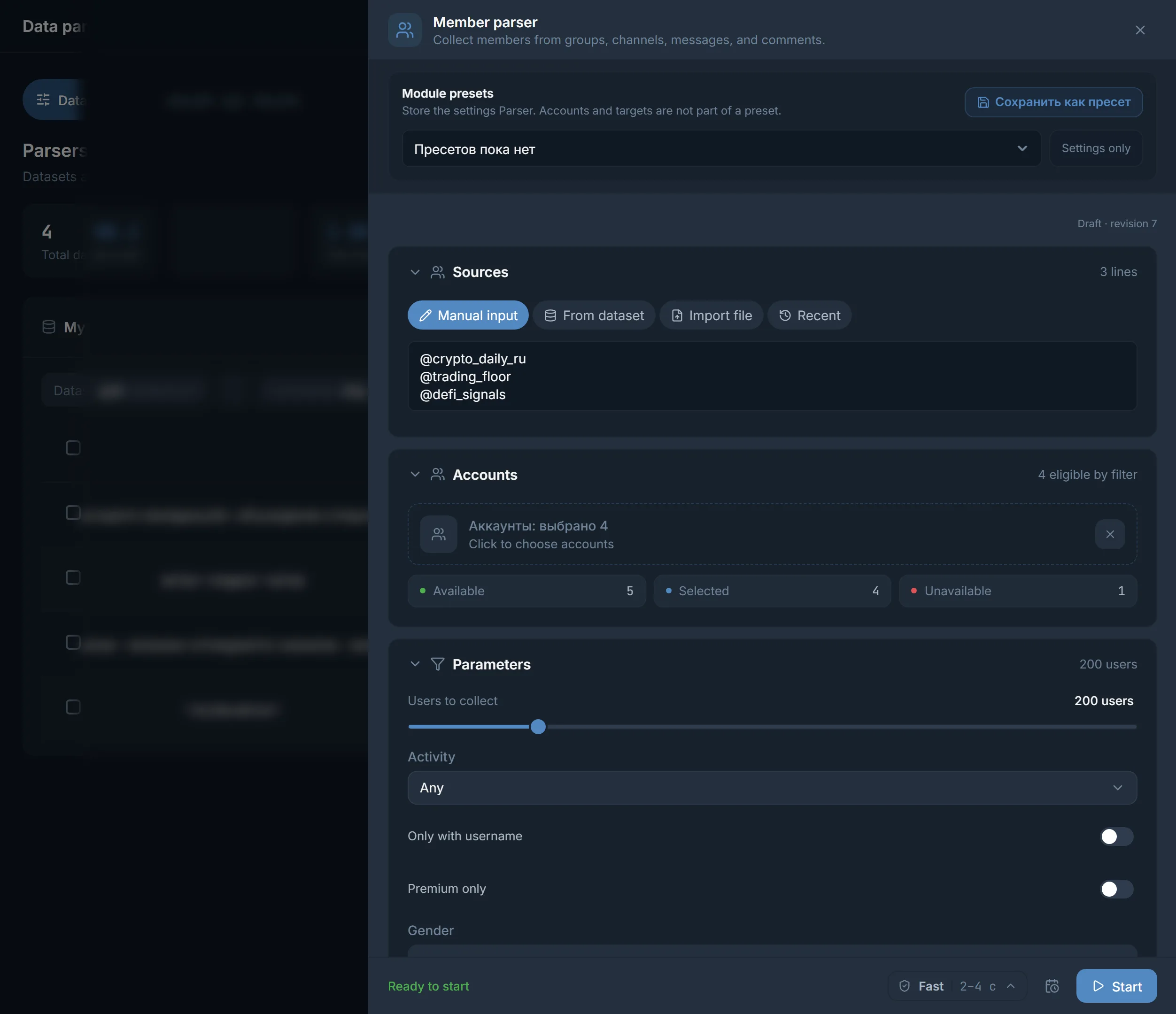
The 'Channels' and 'Chats' parsers repeat the same Telegram search, but for many words at once and through your accounts. What they find lands in a database, from where channels and chats go to other modules. The parser has three collection modes.
Telegram keyword search only.
Channels similar to the ones you give as links or take from a database. The links go into 'Seed sources for similar'.
Search and similar together. The reach is wider and it takes longer.
The words are set in the 'What to collect' block, on the 'Tags' or 'Prompt' tab. 'Endings' add one more word to each word, for example 'bets' plus 'predictions', and 'Stop words' remove what you do not need.
The size of a run is from 10 to 500 channels or chats, 50 by default. For channels the default minimum is 1,000 subscribers (the slider goes from 100 to 100,000), for chats it is 300 members (from 10 to 50,000). The other filters are described in the article on parsing chats and groups.
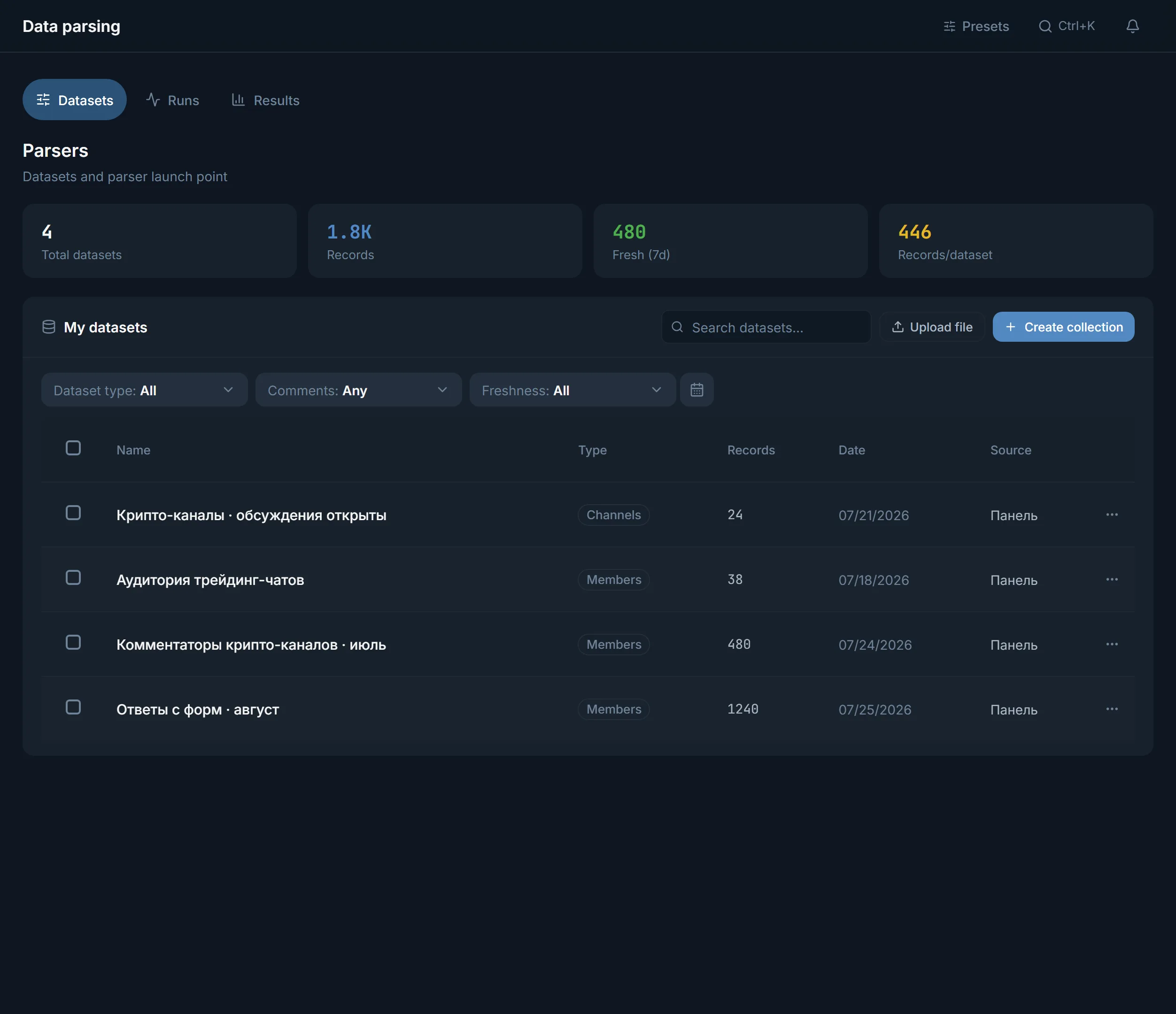
'Database search' is the first tab of the 'Parsers' section. It needs no accounts or proxies.
They have different filters: channels have subscribers and comments, chats have members and the right to post.
In the 'What it is about' block choose 'Topic', 'Language' and 'Country'. 'Words in title or description' make it more exact, and 'Exclude words' removes the rest.
'Subscribers' (for chats 'Members') from and to, 'Last post within' 1, 7 or 30 days. For commenting set 'Comments' to 'Open', for chats set 'Posting' to 'Allowed'.
The 'Found' line above the table shows how many sources fit. Sort them 'by subscribers', 'by ER' or 'by activity' and press 'Save as a set' or 'Export'.
The 'For me' block removes what you have already taken, your refusals and the busiest sources from the results. You can read the database even without a plan: 20 pages of 500 rows a day, which is 10,000 rows. With a plan the limit is 400 pages, 200,000 rows a day. Export per month is 5,000 rows without a plan and on Starter, 25,000 on Pro and 100,000 on Ultimate. Prices are on the pricing page. The tab header says 'Database updated' with a date: it is a snapshot, and new channels appear in it after the next load.
The same database is shown on the open Telegram database page: about 2.8 million channels and chats. The top 20 rows of each section are visible without signing up. Filters, sets and export open after a free signup.
The page is useful for checking whether your topic is in the database before you set up accounts. If the topic you need is missing, you collect it with a parser.
A walkthrough with filter examples is in the article how to find chats and channels by topic.
All four ways work with public venues. A closed channel or chat without a public link does not show up in search: it needs an invite link, and the members of such a chat can be collected only by an account that is in it. The database stays a snapshot and does not search for new things on the fly. A fresh channel is found by Telegram search or by the keyword parser.
Terms on this page
Set the topic with filters on the 'Database search' tab, or collect venues with the 'Channels' parser from several keywords. The parser takes from 10 to 500 channels per run.
Yes. The 'Database search' tab needs no accounts, and on the open database page the first 20 rows are visible even without signing up. The keyword parsers need accounts.
No, the search covers public venues. A closed chat is available only to an account that is in it.
The database stays a snapshot. The header of the 'Database search' tab shows a 'Database updated' date, which tells you how fresh the data is. New channels appear after the next load.
The parser takes from 10 to 500 venues per run, 50 by default. To keep a repeat run from bringing back what you already have, turn on 'Do not collect what is already collected'.
In the 'Channels' parser turn on 'Only with open comments' and set 'Min. comments per post'. In the database set 'Comments' to 'Open'.
Run the 'Channels' parser in the 'Similar' mode and paste the links into 'Seed sources for similar'. A ready database can serve as the source too.
Read next
More in this section
Other sections
Open the 'Database search' tab: no accounts needed. Set the topic, language and size, save the results as a set and send it to the module you need.