Geos never mix
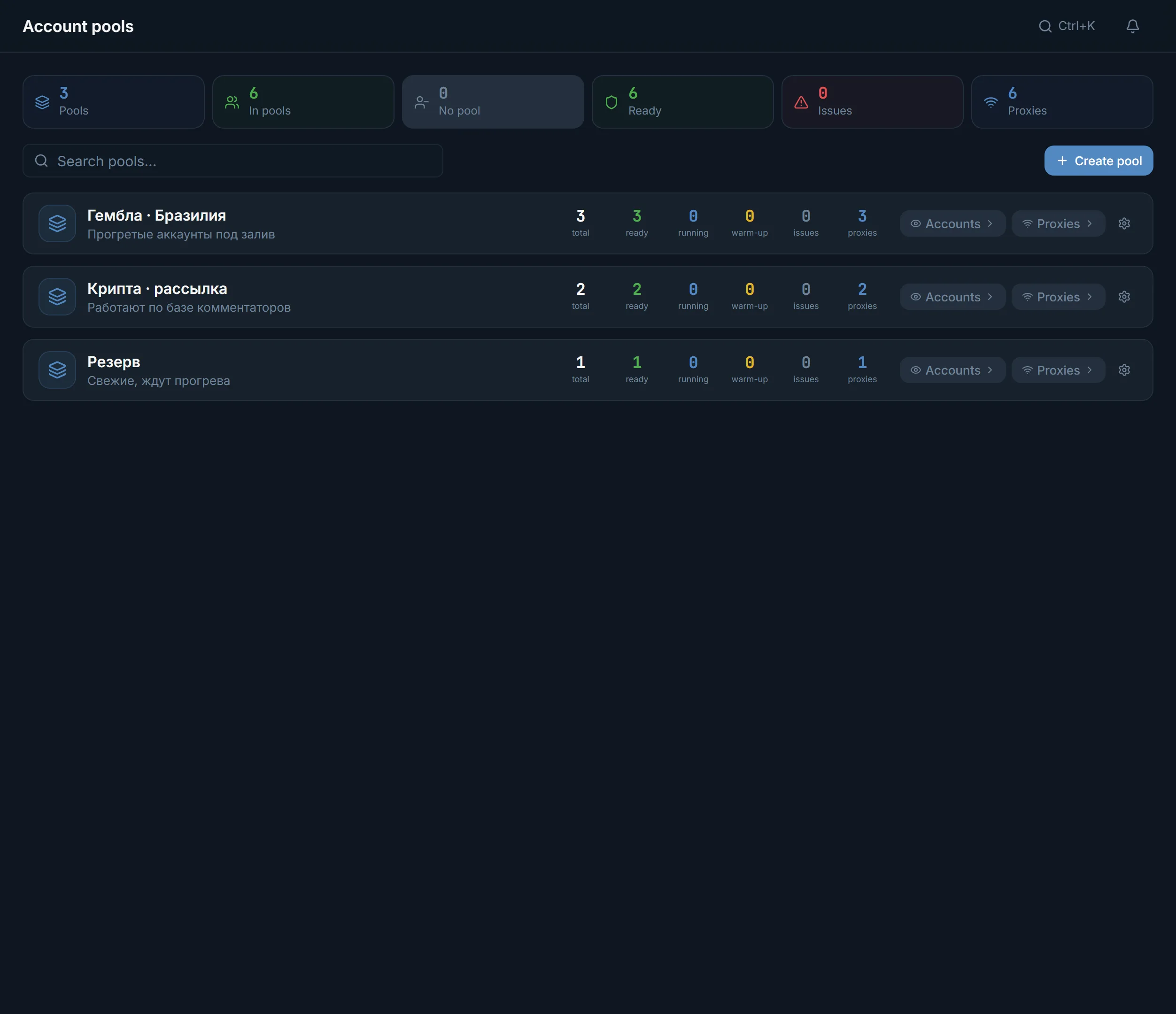
Every geo gets its own pool with its own proxies. Brazil accounts will not end up in an India task if you keep them in separate pools.
Casino and betting traffic in Telegram comes from your own accounts: comments in sports channels, talk in chats and direct messages. Below is the order in which such a setup is built in TeleTraff, and what matters most in gambling: the geo of the accounts, the proxies and the audience.
In short
Gambling traffic from Telegram comes from your own accounts: comments under posts in sports, betting and casino channels, talk in topical chats and direct messages. In TeleTraff that means pools by geo, a marketplace of accounts and proxies with a country filter, auto warm-up, the open channel base, neurocommenting, neurochat, mailing and Dialogs. The offer, promo code and landing page stay with you.
TeleTraff editorial teamUpdated: Checked in the panel
Every geo gets its own pool with its own proxies. Brazil accounts will not end up in an India task if you keep them in separate pools.
The niche prompts include ready briefs for betting and casino. Paste them into neurocommenting or neurochat and adjust them to your offer.
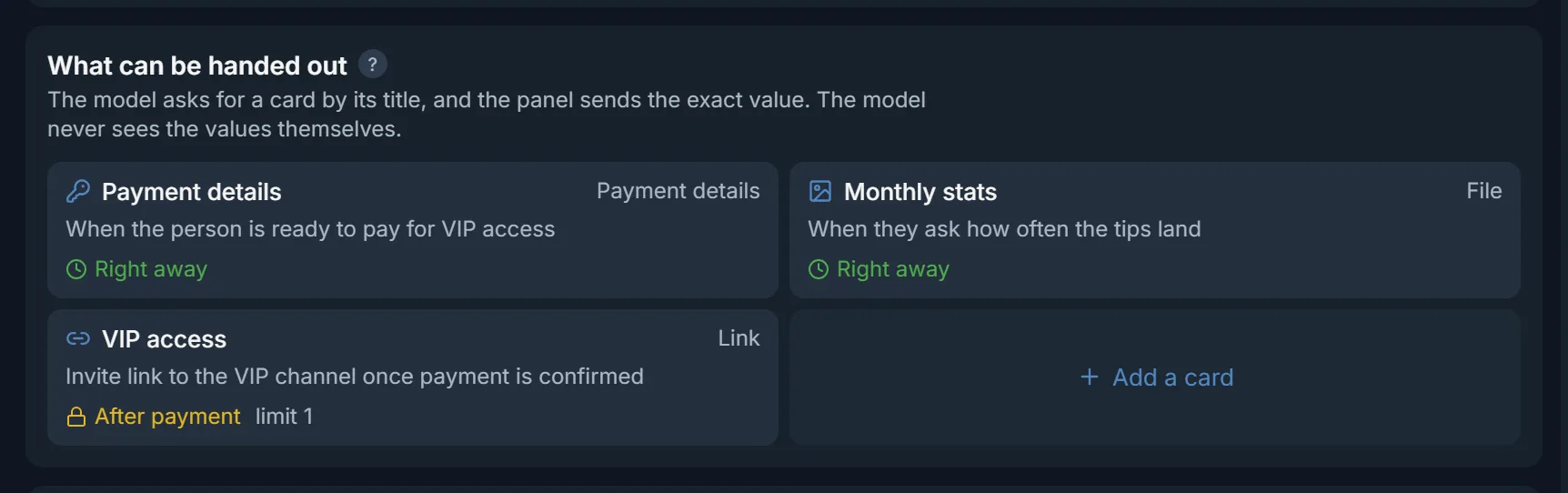
In Dialogs the VIP link or payment details go into an After payment card. The AI gets it only after you press Paid.
The gambling audience in Telegram lives in sports, tips and betting channels and in the chats around them. You win its attention with a comment under a match, a reply in a chat or a direct message. From there a person goes to a tips channel, a VIP group or straight to the offer with a promo code.
The mechanics are the same as in any arbitrage, and the order is covered on the traffic arbitrage page. Here are the gambling differences: geo, placements and access handed out after payment.
For example «Gambling · Brazil». The pool has its own accounts and proxies, and one proxy cannot sit in two pools. Details in the pools guide.
In the marketplace accounts filter by country, spam block and account age, and proxies by type and country. Upload your own accounts through import, where the proxy is assigned too.
On import the panel checks every account in Telegram and writes the result: no restrictions, spam block, geo spam block, frozen. Send the working ones to auto warm-up.
Take sports and betting channels for your geo from the open base. Comments need to be open, and the base shows that for every channel.
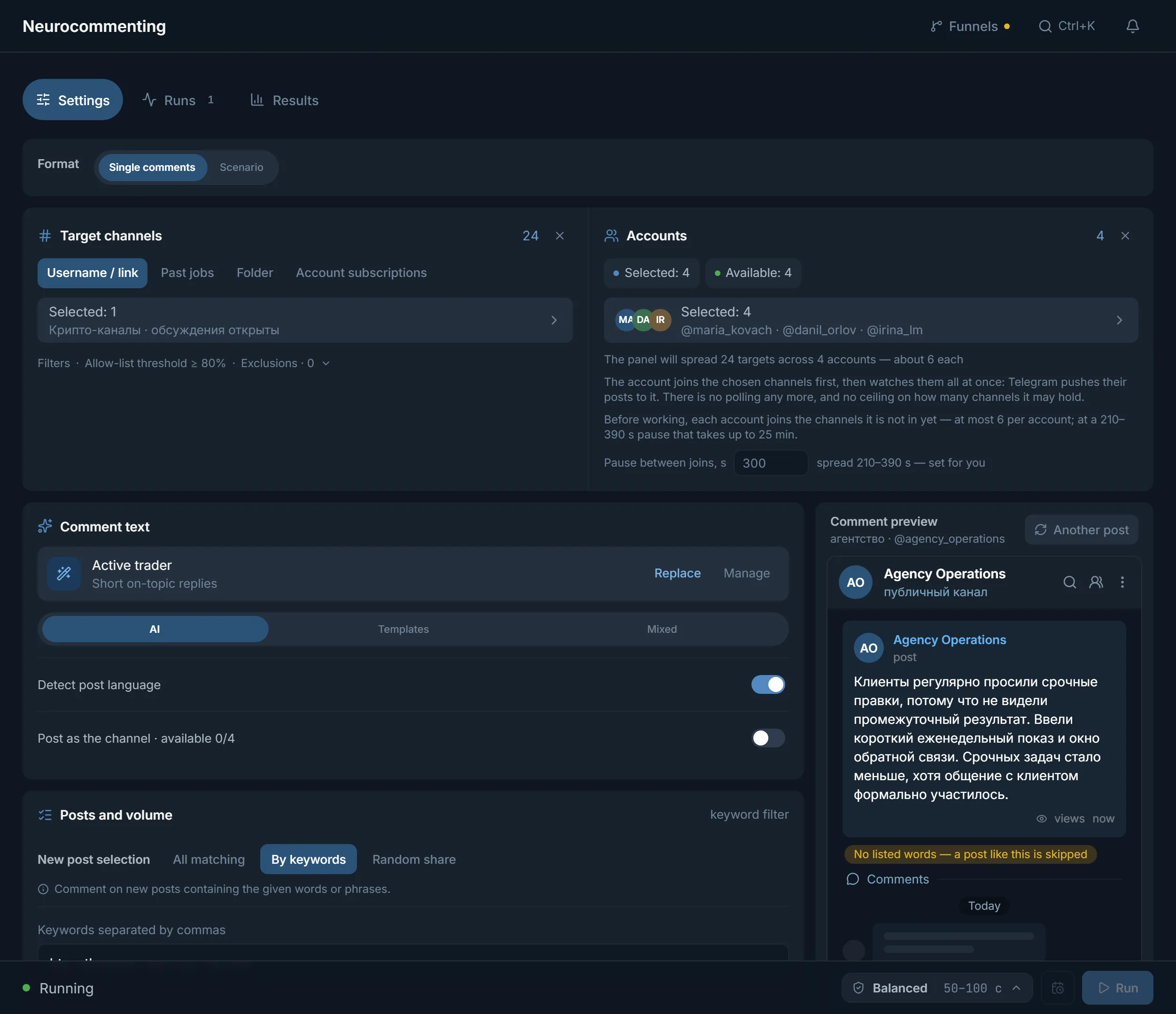
Neurocommenting writes under new posts and neurochat talks in chats. Take the AI brief from the niche prompts.
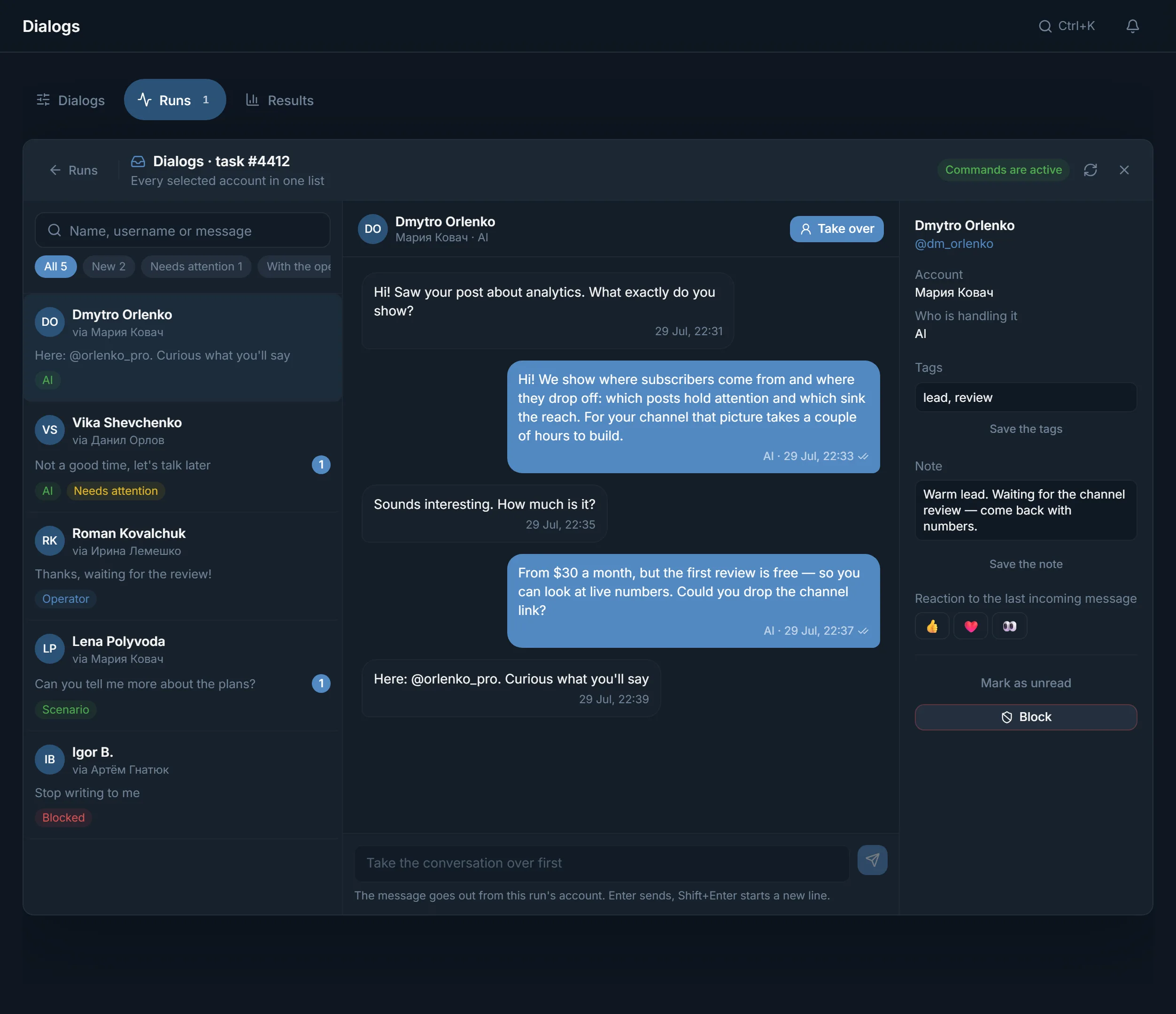
Run Dialogs on the same accounts in Everyone who writes mode, and the AI answers direct messages. Put payment details, a stats file or the VIP link into What can be handed out cards.
| Task | Module | What it gives in gambling |
|---|---|---|
| Keep geos apart | Account pools | A pool per geo with its own proxies |
| Top up accounts for a geo | Marketplace | Country, No spam block, Allow GEO spam block and minimum account age filters |
| Know each account's state | Import, account manager | A check result per account, the Spamblock and Frozen tiles |
| Find placements | Open base, parsers | Sports and betting channels and chats, country, whether comments are open |
| Get the player's attention | Neurocommenting, neurochat | Comments under matches, taking part in chats |
| Lead to payment | Dialogs | The conversation, Take over, Right away and After payment cards |
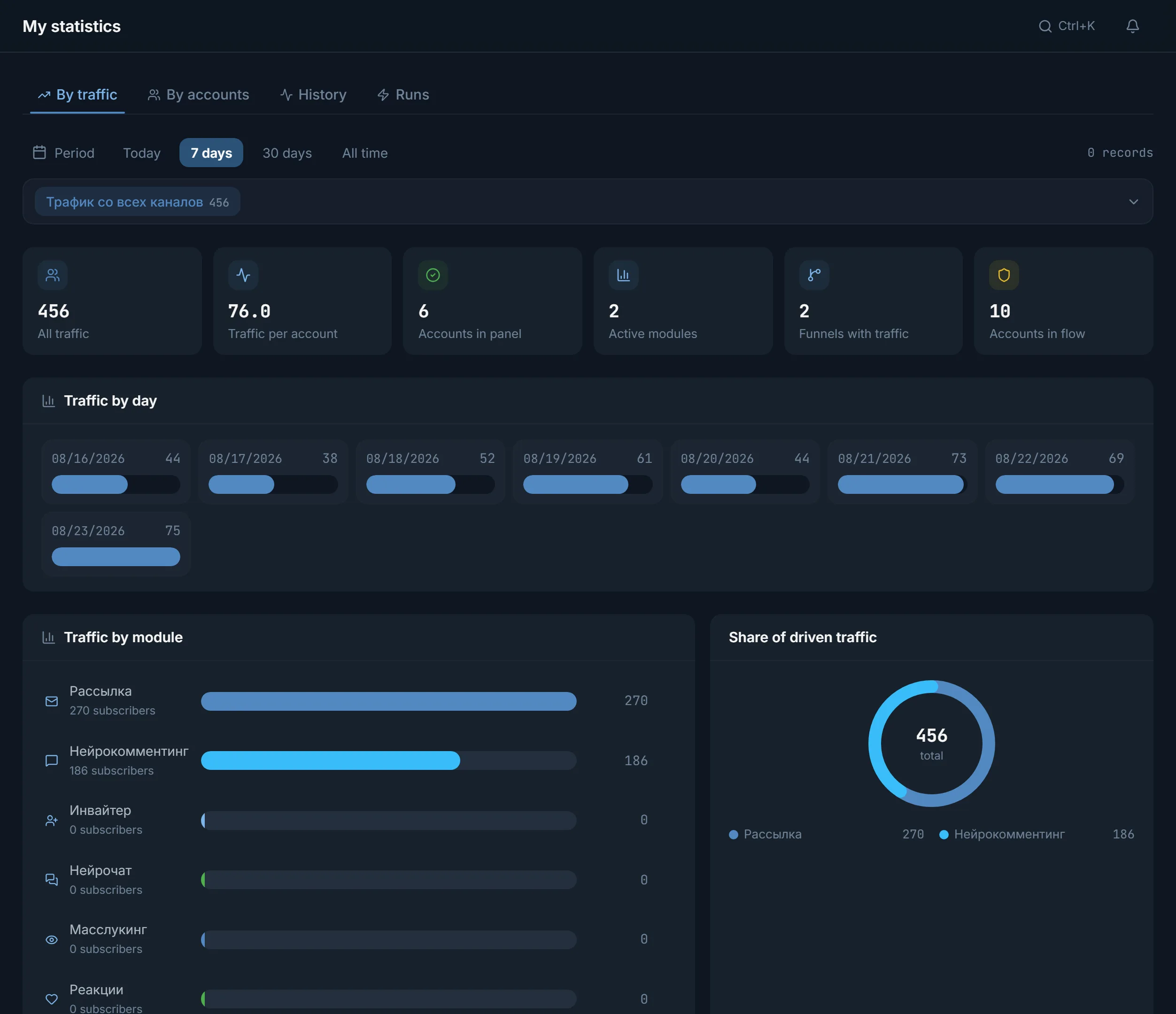
One pool for one geo, 5–10 warmed-up accounts, neurocommenting on sports channels. The account profile links your tips channel. See how many people came on the Traffic tab in statistics.
If the source brought people, add accounts to the same pool and switch on neurochat in chats of the same geo. Put the tasks on a schedule in Automation.
Keep some accounts with the Reserve role: no module takes them. When an account in the pool gets restricted, the replacement comes from the reserve.
Spam block, freeze and flood wait are explained in the glossary, and Telegram's limits are collected on the limits page.
Terms on this page
The panel gives you tools to work with your own accounts: comments, chats, direct messages, invites. You choose the offer's topic. The offer, promo code and landing page stay on your side.
In the marketplace inside the panel accounts filter by country, spam block and account age. Proxies from the same country are bought there too and land in the panel at once.
Such an account can write first only to numbers from its own country. The panel will not take it into mailing or the inviter, but it will into neurocommenting, neurochat and Dialogs. Every account's state is shown after the check.
In Dialogs, create a card with the link and choose After payment. The AI gets the card when you press Paid in the conversation. Until then it does not know the link exists.
The open base holds about 2.8 million public channels and chats by topic and country, and shows for every channel whether comments are open. A ready list goes to a module with the «Use» button.
The trial is free for 3 days: every module, 3 threads, up to 10 accounts. Paid plans start at $24 for 30 days, and threads are counted per module. Details on the pricing page.
Ready lists of channels and chats by topic: how many a section holds, how active they are and the top 20 by subscribers.
Read next
More in this section
Other sections
3 days, no card: every module, 3 threads in each, up to 10 accounts. The clock starts with the first account you add.