One setup, not five programs
Accounts, placements, comments and direct messages live in one panel. No exporting a list from the parser and importing it into the mailer.
A Telegram traffic source runs on a chain: accounts with proxies, warm-up, placements, first contact, direct messages and tracking. In TeleTraff every link is a separate module. Below is the order to switch them on and the three setups most people test first.
In short
Telegram traffic arbitrage needs warmed-up accounts with proxies, placements that match the offer, a way to start the contact and a record of who arrived. In TeleTraff these are modules of one panel: the account manager and proxy center, auto warm-up, the open base and parsers, neurocommenting, mailing, Dialogs and statistics with its Traffic tab. The offer, landing page and creatives stay on your side.
TeleTraff editorial teamUpdated: Checked in the panel
Accounts, placements, comments and direct messages live in one panel. No exporting a list from the parser and importing it into the mailer.
The trial runs 3 days: every module, 3 threads in each, up to 10 accounts. Enough to test placements and copy on your own offer.
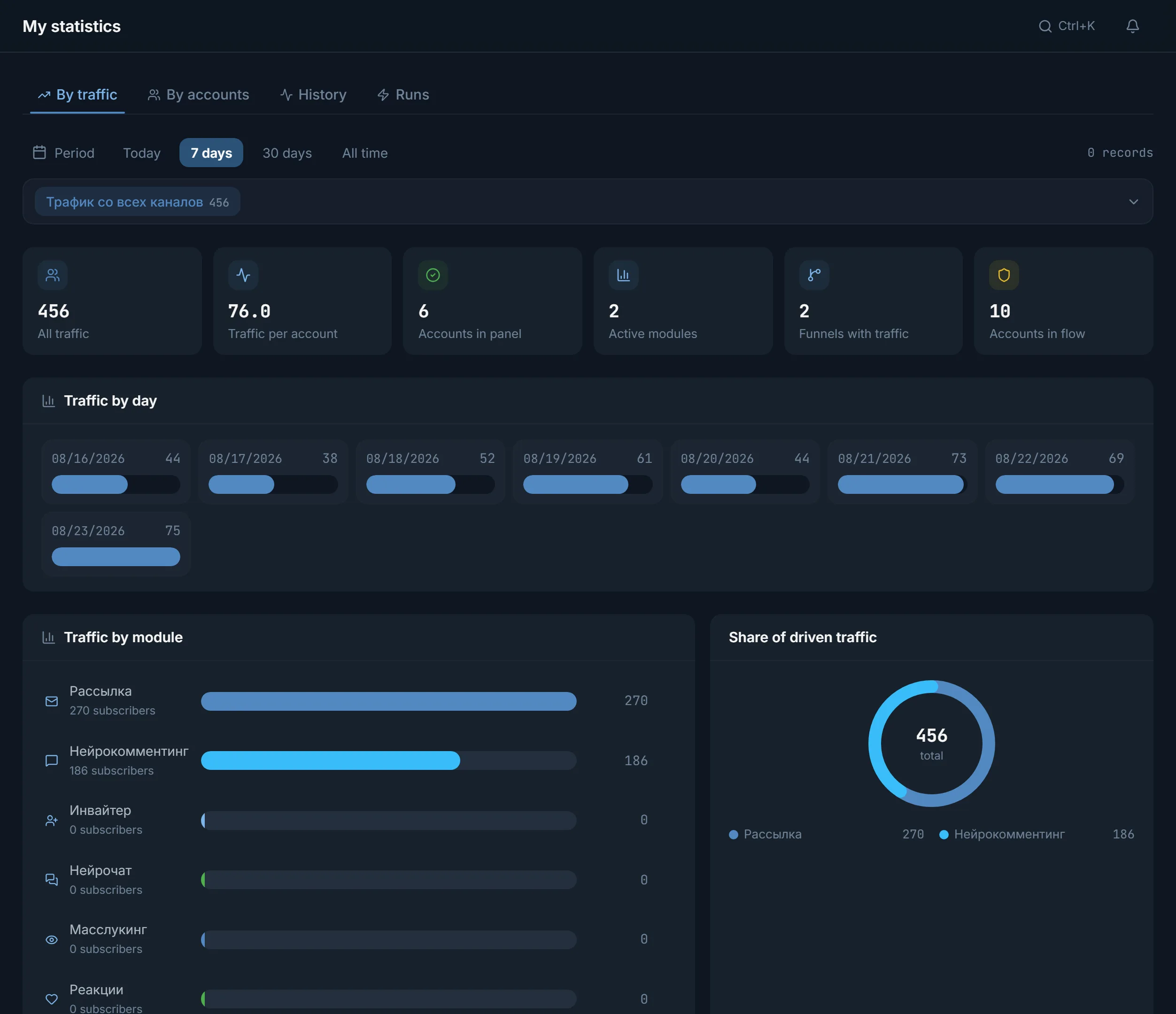
The Traffic tab counts subscribers per module and compares funnels. Money goes to the setup that brings people to you, not to someone else's case study.
An arbitrage team buys or earns attention, sends it to an offer and keeps the gap between cost and payout. In Telegram the attention comes from your own accounts: a comment under a post, a message in a chat, a direct message or an invite to a channel.
So the main resource here is not a click budget but the account farm. It has to live long, go out through its own proxies and never mix offers. Everything else, from placements to copy, is built on top of it. The four sources and setups by vertical are covered on the page about Telegram traffic.
The order is the same for gambling, crypto and info products. The offer and the topic of the placements change.
Import your own accounts into the account manager and buy the rest in the marketplace inside the panel. The proxy is assigned in the import window, before the first login to Telegram.
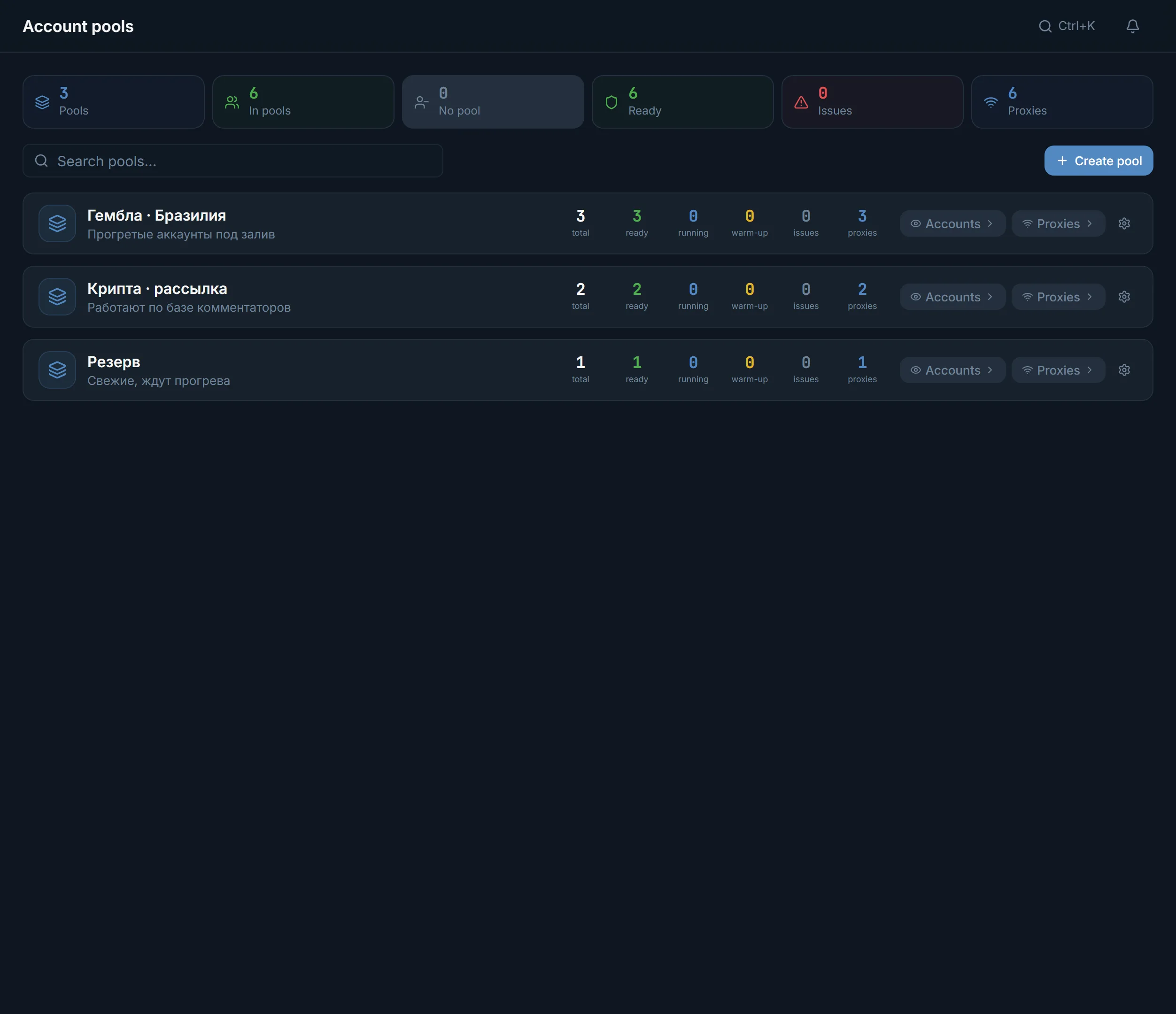
Create pools per offer and geo, for example «Gambling · Brazil». Each pool shows how many accounts are ready, working and in trouble.
A fresh account goes through auto warm-up first. The day-by-day progress is in the program log.
Take channels and chats on the offer's topic from the open base or collect them with a parser. A ready list goes to a module with the «Use» button.
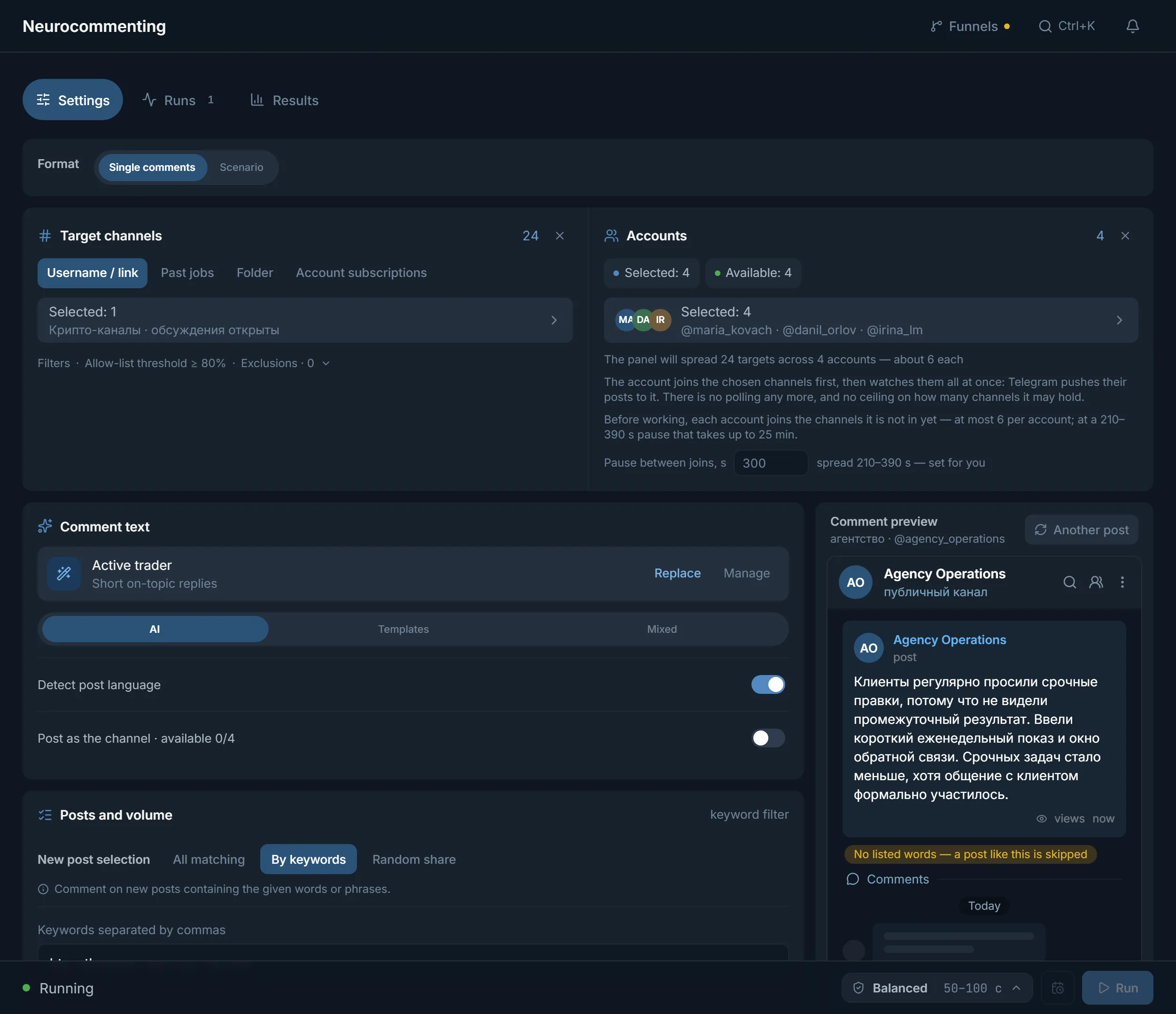
Neurocommenting writes under new posts, mailing writes direct messages to a list. No more accounts start at once than the module has threads.
Run Dialogs on the same accounts in Everyone who writes mode: the AI answers direct messages, and you take a conversation over with «Take over». The Traffic tab in statistics shows how many people each module brought.
| Task | Where in the panel | What it does |
|---|---|---|
| Keep the farm | Account manager, pools | Imports tdata, .session with .json and archives, shows statuses, splits accounts by offer |
| Hide the server | Proxy center | Checks proxies through Telegram, lists dead ones in Quarantine, hands them out to accounts |
| Prepare the account | Auto warm-up | A day-by-day action program with a log |
| Find placements | Open base, parsers | Channels and chats by topic, chat members, your own lists in My datasets |
| Start the contact | Neurocommenting, neurochat, mailing, inviter | Comments under posts, talk in chats, direct messages to a list, invites to a channel |
| Lead to the offer | Dialogs | AI replies in direct messages, the run's conversations in one list, a Needs attention filter |
| Repeat and count | Automation, statistics | Scheduled launches, the Runs and Traffic tabs |
Neurocommenting writes under posts in channels on your topic, the account profile links your channel, and the channel pins a post with the offer. Whoever messages the account gets an answer from Dialogs running on the same accounts. The fastest setup for a first test.
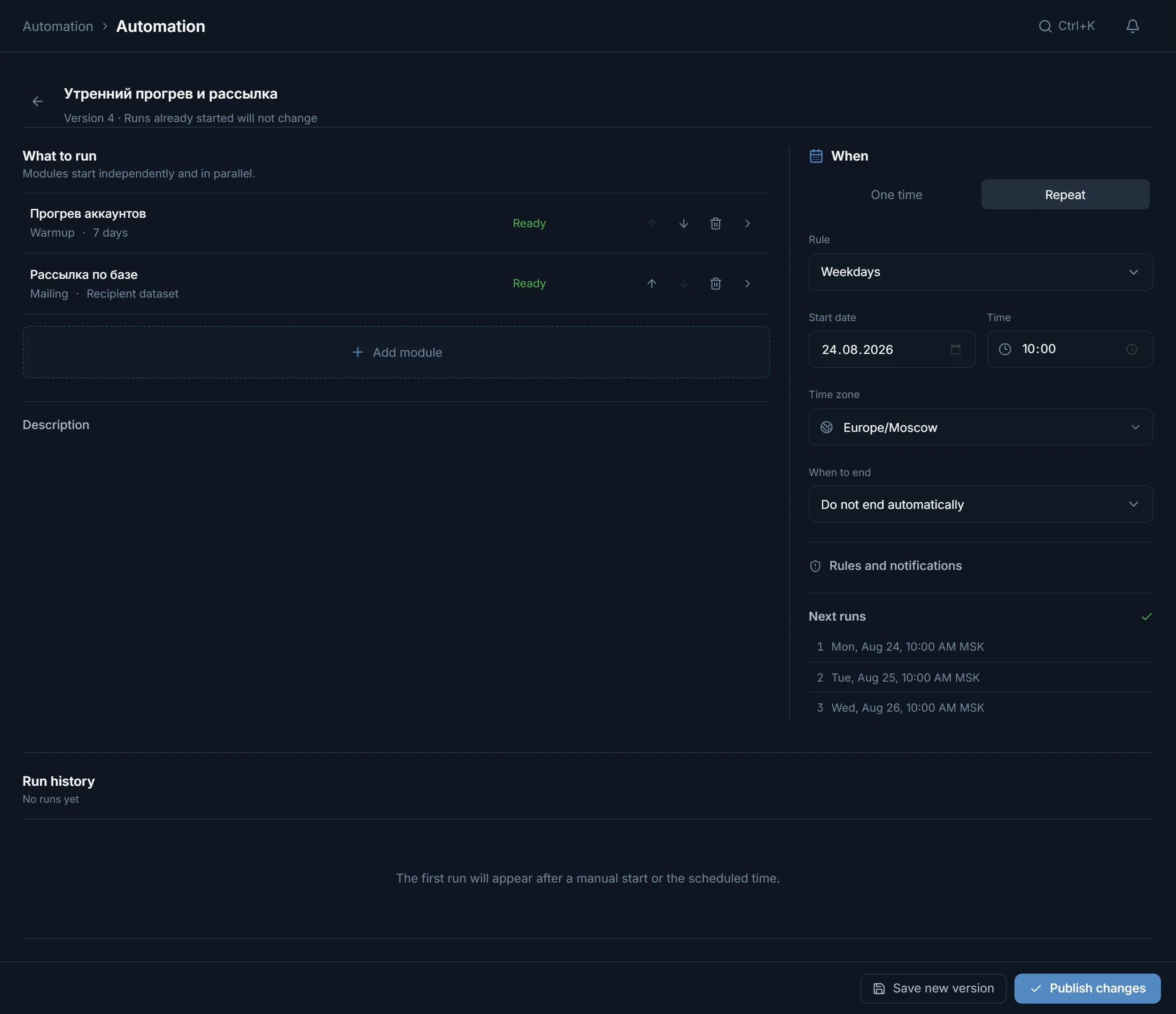
A parser collects members of topical chats, mailing sends them a first message. In Automation mailing goes after warm-up with the order «After successful completion»: if warm-up failed, nothing goes out from raw accounts.
The inviter brings people from a collected list into your chat, and neurochat keeps the talk going as ordinary members. Slower, but people arrive where the offer is being discussed.
The panel takes the routine off you, but the offer, the entry point and the budget for consumables are yours. A test rarely fails on copy. It fails earlier:
Start with one source and a small volume, compare it with another on the Traffic tab, and only then add accounts. If the batch comes from a third-party seller, run it through the free checker before you upload it.
The plan counts threads, not accounts. A thread is one account busy with a task right now, and threads are counted in each module separately: comments never take threads away from mailing.
For 30 days: Starter with 10 threads per module costs $24, Pro with 50 threads $59, Ultimate with 100 threads $117. A paid plan does not limit how many accounts sit in the panel. Details on the pricing page.
Terms on this page
Yes, if you earn the traffic with your own accounts: comments, chats, direct messages or invites. The panel covers accounts, proxies, warm-up, placements, contact, conversations and tracking. The offer, landing page and creatives stay with you.
Turn on the trial, upload up to 10 accounts, give them proxies and run a short warm-up. Then take channels on your topic from the open base and run neurocommenting on a few accounts.
On the trial up to 3 accounts work in each module at once, and you can upload up to 10. That is enough for a first test of one setup. On a paid plan the number of accounts in the panel is unlimited; threads are what is limited.
The open base holds about 2.8 million public channels and chats by topic and country. You can also collect your own list with a parser. A ready list goes to a module with the «Use» button.
Yes. In Automation a schedule is built from steps: for example warm-up, then mailing with the order «After successful completion». The server runs the tasks, so the browser can be closed. More in the automation guide.
Connect a funnel and open the Traffic tab in statistics: subscribers by day and by module, plus a funnel comparison. What the accounts did is on the Runs tab.
Ready lists of channels and chats by topic: how many a section holds, how active they are and the top 20 by subscribers.
Read next
More in this section
Other sections
3 days, no card: every module, 3 threads in each, up to 10 accounts. The clock starts with the first account you add.